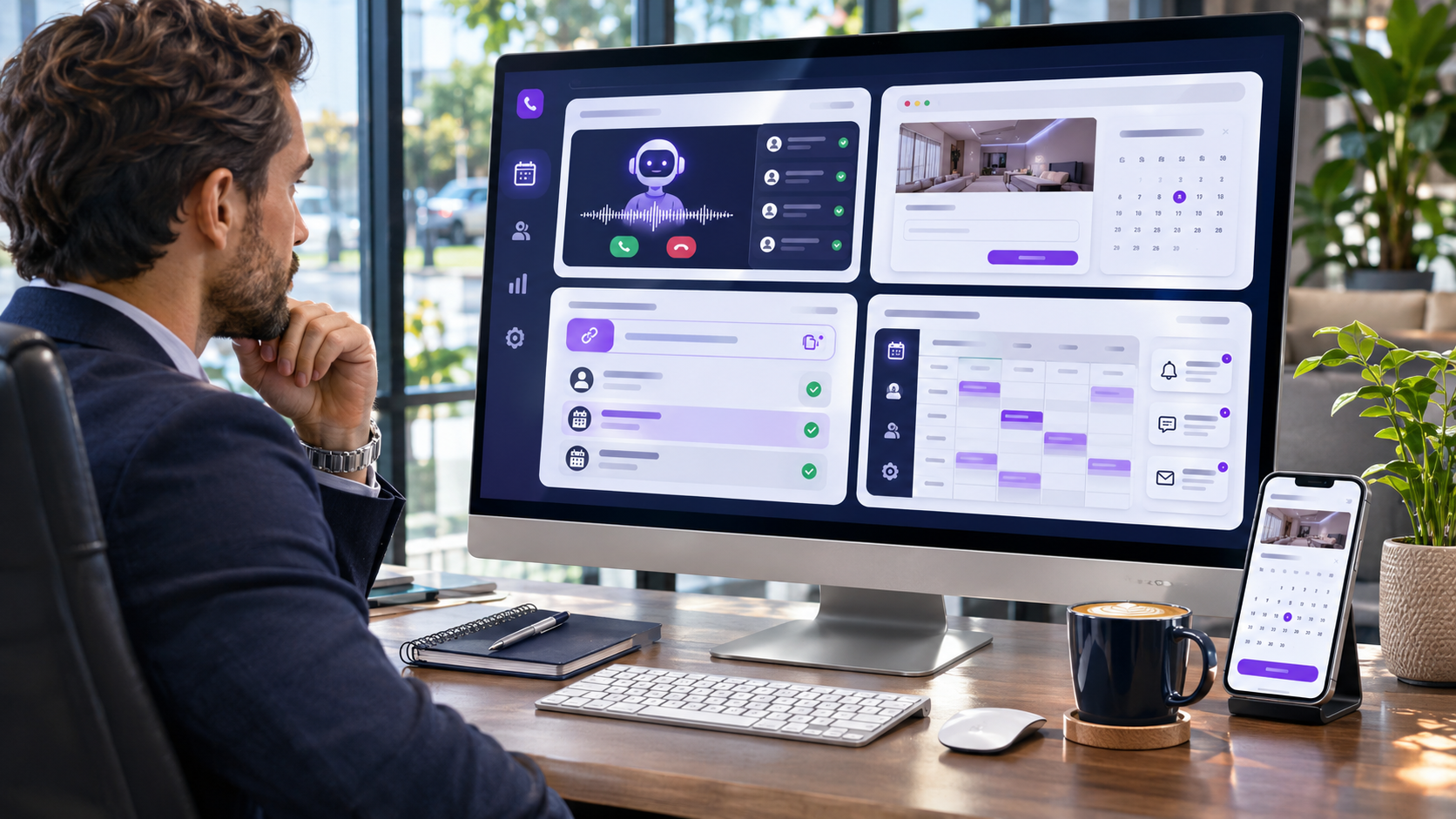
Ways to Use Scheduley: Complete Guide to AI Scheduling and Front Desk Automation
Running a small business involves more than providing excellent products or services. Owners must answer customer calls, manage appointments, respond to messages, organize employee availability, and ensure that potential bookings do not get overlooked. When these responsibilities compete for attention, administrative work can consume time that would otherwise be spent serving customers. Understanding the different Ways to use Scheduley can help business owners simplify daily operations through appointment scheduling, AI-powered call answering, automated customer communication, and integrated booking management.
Scheduley is designed to provide flexible front desk support for local service businesses. Rather than requiring every company to replace its existing website or booking process, the platform offers different ways to introduce automation. Businesses can use it as an AI receptionist, add booking capabilities to an existing website, generate appointments through shareable booking links, or manage an integrated front desk system.
The right setup depends on how customers contact your business, which tools you already use, and how much scheduling responsibility you want to automate. This guide explains the platform’s four main usage approaches, their practical benefits, setup considerations, and how different businesses can apply them.
What Is Scheduley and How Does It Work?
Scheduley is an appointment scheduling and AI front desk platform developed for businesses that rely on customer inquiries, appointments, or service bookings. Its tools connect booking pages, calendars, customer communication, and automated call answering within a shared scheduling environment.
For example, when a customer calls a business while its owner is busy, an AI receptionist may answer the call, provide configured service information, check available appointment times, and create a booking.
Customers may also arrange appointments through a booking page or supported messaging channels. The business can then manage the appointment through its scheduling dashboard.
The different Ways to use Scheduley reflect the fact that business owners do not all require identical tools. Some need help handling missed calls, while others want a complete booking website and automated customer communication system.
Who Can Benefit From the Platform?
The platform serves various local service industries, including salons, barbershops, cleaning companies, home service providers, fitness professionals, consultants, clinics, and other appointment-based businesses.
Its usefulness depends on the type of appointments being managed, the available integrations, and the specific operational requirements of each business.
1. Use Scheduley as an AI Receptionist
One of the most practical applications is using the platform as an automated receptionist without completely changing an existing booking workflow.
Many small businesses already have an appointment calendar they understand. Their primary problem is not scheduling software itself but the difficulty of answering incoming calls while providing services.
Scheduley offers a front desk approach intended to handle calls and messages while business owners continue using their preferred day-to-day tools.
Answer Calls When Employees Are Busy
Imagine a hairstylist working with a customer when several new appointment inquiries arrive. Interrupting the appointment to answer every call can affect the customer experience, but ignoring calls may result in missed opportunities.
An AI receptionist can answer supported incoming calls and respond using the business information configured in its system.
Among the Ways to use Scheduley, this approach may be particularly useful for solo operators and businesses without dedicated reception employees.
Capture Appointment Information
The AI receptionist can collect relevant information about customer requests, including the required service and preferred appointment time.
When the necessary calendar information is available, it may create appointments directly.
Other inquiries can be recorded or communicated to the business owner for follow-up.
Keep Existing Business Tools
Businesses do not necessarily need to abandon their existing websites or operating processes when introducing AI call answering.
Scheduley describes connections with Google and Apple calendars. However, updates involving other booking platforms may still require action by the business team.
This distinction matters because an AI receptionist should not be assumed to provide complete two-way synchronization with every external scheduling system.
When This Setup Makes Sense
This option is especially relevant when your business already has a booking system but regularly misses calls, receives repetitive questions, or struggles with customer inquiries during busy periods.
The main objective is to improve responsiveness without unnecessarily replacing systems that are already working.
2. Add Online Booking to Your Existing Website
Another practical approach is to retain an existing website while adding an automated front desk and appointment booking capabilities.
Many businesses invest considerable time and money in their websites. Replacing the entire site simply to introduce scheduling may create unnecessary expenses and disruption.
Scheduley provides an option to connect a booking page to an existing website, allowing customers to schedule appointments through a familiar business presence.
Add a Book Now Button
Business owners can place a booking link behind a button on their existing website.
When visitors select the button, they can access the relevant scheduling page and review available appointments.
Some websites may also support embedded booking interfaces where custom HTML integration is available.
Of the different Ways to use Scheduley, this approach is suitable for businesses that already have an established website and do not want to rebuild it.
Connect Customer Calls With Booking
Online booking does not eliminate the need for telephone communication. Some customers prefer speaking to someone before confirming a service.
Scheduley allows businesses to connect or forward calls to its AI receptionist, giving customers another route to arranging appointments.
The exact phone setup depends on the existing business number, forwarding arrangements, and service configuration.
Maintain Your Branding
Keeping an existing website allows businesses to retain their domain, design, content, and established online identity.
Scheduling becomes an additional feature rather than a reason to replace the entire website.
This can be valuable for businesses that already receive traffic through search engines, local listings, and customer referrals.
Important Integration Checks
Before publishing a booking link, test the complete process using both mobile and desktop devices.
Verify that appointment availability is accurate, confirmation messages are delivered, and customers can understand how to make changes or cancel bookings.
Clear navigation and a straightforward booking process can reduce unnecessary customer confusion.
3. Use Booking Links to Generate New Business
Appointment scheduling can do more than organize existing demand. It can also provide a direct path from advertising, social media, or local business listings to a confirmed booking.
Scheduley offers shareable booking pages and dedicated contact numbers that businesses can use across different marketing channels.
This approach focuses on making it easier for interested customers to take action immediately.
Share Booking Links on Social Media
Businesses can add booking links to their Instagram profiles, Facebook pages, and other supported social media locations.
For example, a personal trainer promoting private sessions can provide a direct appointment link instead of asking prospective clients to exchange several messages before finding an available time.
These Ways to use Scheduley can be helpful for businesses that attract customer interest online but struggle to convert inquiries into appointments.
Add Booking Links to Local Listings
Local business listings may allow businesses to provide website or appointment links, depending on the platform’s rules.
Where supported, a direct booking link can make it easier for prospective customers to move from discovering a business to selecting a service.
The link should lead to a clear and relevant scheduling page rather than an unrelated destination.
Use QR Codes on Printed Marketing Materials
A booking page can also be shared through a QR code placed on suitable promotional materials.
For example, a cleaning company might include a QR code on a flyer that directs customers to its appointment request page.
QR codes may also be useful on business cards, reception displays, and event materials.
Bring Previous Customers Back
Scheduley describes outbound communication capabilities such as follow-up messages, reminders, and customer win-back texts.
These features may help businesses reconnect with customers who have not booked recently.
However, promotional messages should be sent according to applicable consent and communication requirements.
A customer who has previously booked a service should not automatically be assumed to have agreed to receive unrestricted marketing messages.
4. Run a Complete Front Desk With Scheduley
The most comprehensive approach involves combining a business website, AI receptionist, booking calendar, reminders, and supported payment capabilities within one platform.
This setup is intended for businesses that want to manage several connected front desk activities without relying on numerous unrelated systems.
Bring Booking and Communication Together
When calendars and customer communication are connected, appointment information can move more consistently through the business workflow.
A customer may discover the business through its website, submit an appointment request, receive confirmation, and later obtain a reminder.
The business can review bookings through its management interface rather than searching through separate messages and handwritten notes.
Among the Ways to use Scheduley, this is the broadest configuration because it combines several functions into a more integrated operating process.
Use a Business Website With Booking Built In
Scheduley advertises website-building options with more than 30 premium templates and integrated appointment booking.
These options may appeal to businesses that do not already have a website or prefer to manage their online presence alongside scheduling.
Before choosing a hosted website, owners should review available customization, domain settings, content management features, and any migration requirements.
Manage Customer Reminders
Automated reminders can reduce the need for employees to contact every customer manually before an appointment.
Depending on the configuration, reminders may communicate appointment details and provide customers with useful scheduling information.
Businesses should select reminder timing that suits their services and respects customer communication preferences.
Connect Payments Where Supported
Integrated payment features may help businesses manage certain financial aspects of customer appointments.
Owners should confirm supported payment methods, applicable transaction fees, and how payments are connected to their booking workflow.
The complete setup is most suitable when the benefits of integration justify the subscription cost and any implementation work.
Comparing the Four Main Usage Approaches
Although the platform describes four distinct approaches, they represent different configurations of the same service rather than four separate subscription tiers.
| Approach | Primary Purpose | Best Suited For |
|---|---|---|
| AI Receptionist | Answer calls and capture bookings | Businesses missing customer calls |
| Existing Website Integration | Add booking without rebuilding a website | Businesses with established websites |
| Booking Link Marketing | Convert inquiries into appointments | Businesses seeking more bookings |
| Complete Front Desk | Combine website, bookings, communication, and payments | Businesses wanting an integrated system |
Choosing between these Ways to use Scheduley should begin with your most important operational problem rather than the number of features available.
A business that primarily needs call answering may not require a complete website migration. Similarly, a new company without an established online presence may benefit from a more comprehensive setup.
How Different Industries Can Use Scheduley
Different businesses have different booking requirements. The platform’s flexibility allows owners to consider configurations suited to their services.
Hair Salons and Barbershops
Salons frequently receive calls while stylists are serving customers.
An AI receptionist and online booking page can provide alternative ways to schedule haircuts, styling appointments, and consultations.
Staff-specific availability and service durations should be configured carefully.
Cleaning and Home Service Companies
Cleaning businesses and other field service providers may need to collect customer locations, job details, and preferred appointment times.
Scheduley also provides a Jobs & Field Service mode with features such as job boards, dispatch statuses, and customer arrival updates.
These capabilities can help businesses coordinate work that takes place at customer locations.
Consultants and Professional Services
Consultants often need a straightforward way for prospective clients to arrange introductory meetings.
A shareable booking link can simplify this process, while automated call answering may help manage inquiries during existing client appointments.
Fitness and Training Businesses
Personal trainers and fitness professionals can use appointment scheduling to organize training sessions and consultations.
Businesses offering group classes should verify whether the selected configuration supports their required capacity and booking rules.
Med Spas and Clinics
Clinics may use scheduling tools for consultations, appointment reminders, and routine administrative inquiries.
However, healthcare-related businesses must evaluate privacy, security, professional obligations, and applicable regulations before sharing sensitive patient information with any automated system.
How to Set Up Scheduley for Your Business
Introducing a new scheduling system works best when owners organize their requirements before activating automation.
Step 1: Choose Your Main Objective
Decide whether you primarily want to answer missed calls, add online booking to an existing website, generate appointments through marketing, or manage a complete front desk.
This decision will help determine which features deserve attention during setup.
Step 2: Enter Business Information
Prepare your business name, contact details, operating hours, service categories, appointment durations, and relevant pricing information.
Accurate information helps the system communicate appropriate availability to customers.
Step 3: Configure Your Booking Calendar
Set employee availability, service durations, breaks, and scheduling restrictions.
If you connect an external calendar, verify how synchronization works and which changes are reflected automatically.
Step 4: Set Up the AI Receptionist
Configure the business number, call-handling preferences, and information the receptionist is allowed to provide.
Test how it responds to questions about services, prices, opening hours, and appointments.
Step 5: Publish the Booking Page
Add the booking link to your website or appropriate promotional channels.
Check that customers can access the page and complete appointments without confusing steps.
Step 6: Test the Complete Experience
Place a test call, send a supported message, and create a sample booking.
Verify that reminders, calendar updates, and customer notifications behave as expected.
These checks are important because automated systems can still encounter configuration errors or misunderstand requests.
Important Benefits of an Integrated Scheduling System
More Consistent Customer Communication
Customers appreciate clear answers and convenient access to appointment information.
Automated communication may reduce delays when employees are occupied, although complex or unusual questions may still require human assistance.
Reduced Administrative Interruptions
Routine scheduling activities can interrupt service delivery when business owners handle every inquiry personally.
Automation can reduce the number of repetitive tasks requiring immediate attention.
Better Visibility Into Appointments
A centralized calendar provides an organized view of upcoming bookings, available times, and changes.
This can help businesses prepare for busy periods and identify scheduling gaps.
Greater Flexibility as the Business Grows
As customer inquiries increase, businesses may need additional communication and scheduling capabilities.
Understanding the available Ways to use Scheduley can help owners start with essential features and evaluate broader integration when their operational needs change.
What to Consider Before Choosing a Setup
Before committing to any scheduling platform, evaluate both its advertised capabilities and your actual business requirements.
Existing Software Compatibility
Check which calendars, websites, and communication services can connect directly.
Do not assume that every external appointment platform supports automatic two-way updates.
Subscription and Usage Costs
Review current subscription pricing, call usage allowances, messaging costs, and optional features.
The four usage approaches described by Scheduley are not separate pricing plans, so the total cost depends on the selected service and applicable subscription conditions.
Customer Data Protection
Appointment systems may collect customer names, telephone numbers, service details, and other information.
Review privacy policies, permissions, data retention arrangements, and relevant legal obligations before enabling automated communications.
Human Oversight
AI systems can support front desk operations, but they may occasionally misunderstand customers or encounter un