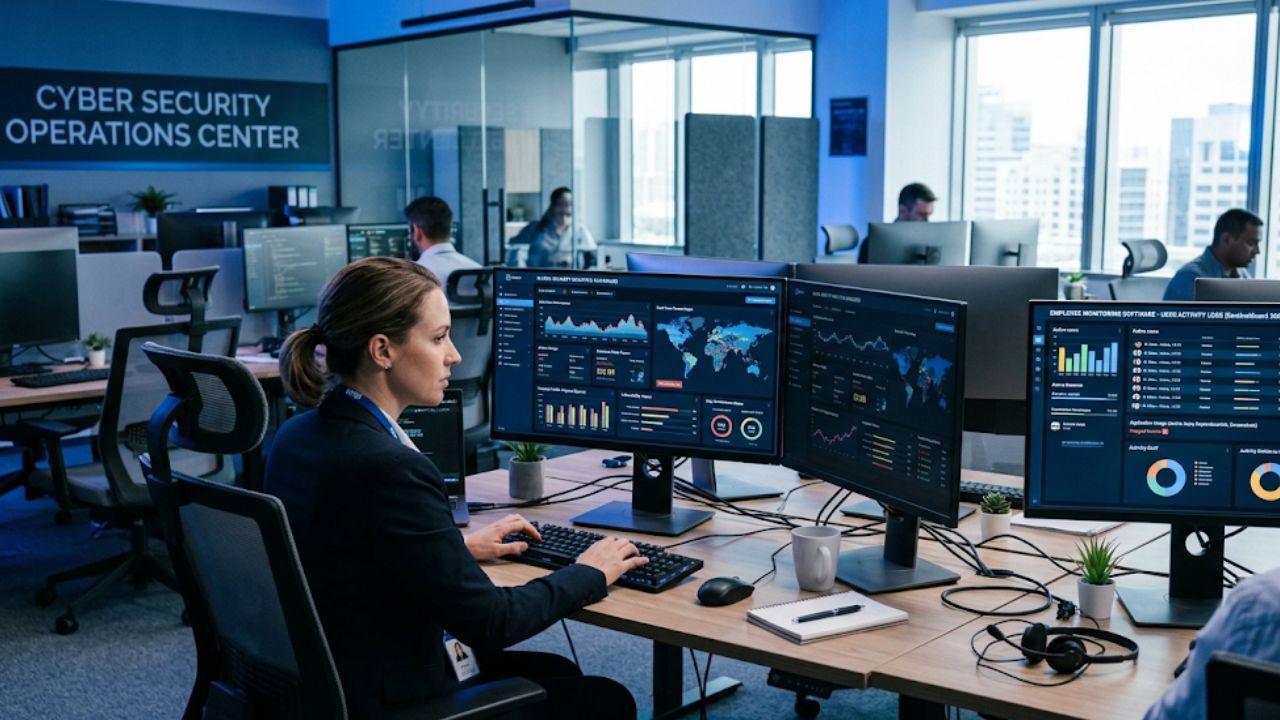
Top Employee Monitoring Tools for Data Security, Compared
Data leaks rarely start with a dramatic attack. Industry breach reports consistently link the human element, such as misdirected emails, weak passwords, and unapproved uploads, to well over half of all incidents. Employee monitoring tools give you the visibility to spot those risks early.
The best employee monitoring tools for data security pair activity tracking, role-based access, and audit-ready reports to help you monitor security gaps caused by employees. They also ensure deep data loss prevention.
Below, you will find a buying checklist, a side-by-side table, and detailed reviews of eight tools that monitor your employee activities to support your data monitoring. You can then match one to your team size, budget, and compliance needs.
Quick Answer
Apploye is the best employee monitoring tool for data security for most teams. It combines activity tracking, screenshots, app and URL logs, role-based permissions, and audit-ready reports in one platform. It also costs less than most security-focused rivals and offers a free plan to start.
Teramind and Safetica lead on data loss prevention (DLP) for regulated industries that must block file transfers. ActivTrak suits teams that prefer transparent behavior analytics. Hubstaff, Time Doctor, and Insightful add strong time tracking and productivity insights. Veriato focuses on insider risk detection for larger organizations.
Choose Apploye when you want clear visibility without enterprise complexity. Choose a dedicated DLP tool when your policies demand automatic blocking.
How to Choose the Best Employee Monitoring Tool for Data Security
A good choice starts with the kind of risk you need to reduce. Use the criteria below to compare tools fairly and avoid paying for features your team will never use.
- Depth of Data Protection
Basic monitoring tools record activity, such as apps, websites, and screenshots. DLP tools go further by scanning content and blocking risky transfers. Decide whether you need visibility, enforcement, or a mix of both.
- Access Control and Permissions
Look for role-based access so managers only see the data their job requires. Single sign-on and two-factor authentication also reduce the risk of misused admin accounts.
- Audit Trails and Reporting
Clear logs help you investigate incidents and prove compliance during reviews. Check whether reports can be exported, scheduled, and filtered by user, project, or date range.
- Compliance Support
Confirm that the vendor supports the frameworks you rely on, such as GDPR, SOC 2, or HIPAA. Ask where your data is stored, who can access it, and how long it is kept.
- Privacy and Transparency
Tools that show employees what is tracked build trust and lower legal risk. Features such as screenshot blurring and clear consent notices help you stay fair and compliant.
- Deployment Options
Most teams are comfortable with cloud software. Highly regulated organizations may need on-premises hosting to keep data inside their own network and under their own policies.
- Total Cost at Your Team Size
Per-user prices look small, but minimum seat counts, add-ons, and onboarding fees can change the final bill. Calculate the yearly cost for your actual headcount before you decide.
- Ease of Setup and Support
A tool that takes months to configure often ends up unused. Look for guided onboarding, clear documentation, and responsive support during the first weeks.
Use this checklist as a scorecard. Rate each tool from one to five on every point, and the best fit usually becomes clear without much debate.
Employee Monitoring Tools for Data Security: Comparison Table
The table below summarizes how each tool compares on focus, security strength, starting price, and ideal users.
| Tool | Main Focus | Data Security Strength | Starting Price (per user/month) | Best For |
| Apploye | Employee Monitoring and activity visibility | Permissions, audit trails, screenshots, enterprise SSO | Free plan; paid from $4.50 | Small to mid-sized and remote teams |
| Teramind | Insider threat and DLP | Content-aware DLP, behavior analytics, policy blocking | About $14 | Regulated enterprises |
| ActivTrak | Workforce analytics | Alerts, usage insights, privacy-friendly design | Free plan; paid from about $9 | Transparency-focused teams |
| Hubstaff | Time tracking for remote and field teams | Role-based access, activity records, GPS | About $4.99 | Remote and field teams |
| Time Doctor | Productivity management | Activity history, shadow IT visibility | About $6.70 | Outsourced and remote teams |
| Insightful | Workforce analytics | Behavior insights, flexible tracking modes | About $6.40 | Mid-sized companies |
| Safetica | Data loss prevention | Data classification, transfer blocking | Custom quote | Compliance-heavy organizations |
| Veriato | Insider risk detection | Risk scoring, behavioral alerts, forensics | Custom quote | Security-led teams |
Prices can change, so confirm them on each vendor’s website before you buy.
Best Employee Monitoring Tools for Data Security
Each tool below is reviewed for its role in protecting company data. Let’s see how they can be your best fit in their own ways.
1. Apploye
Apploye is a time tracking and employee monitoring platform built for remote, hybrid, and field teams. It records work hours, app and website use, and screenshots, then turns that activity into clear reports.
For data security, this creates a reliable record of who worked on what and when. You can spot unusual behavior early without installing heavy security infrastructure.
Apploye also has GDPR and HIPAA compliance support, account provisioning, and dedicated support.
Agencies, software companies, and outsourcing firms use it as remote staff monitoring software to keep work transparent and accountable.
Key Features
- Automatic time tracking with idle detection, so activity records stay accurate without manual entries.
- Screenshots at configurable intervals, with options to blur images and protect sensitive on-screen information.
- App and URL tracking that shows which tools and websites are used during work hours.
- Activity levels based on mouse and keyboard activity, which help you notice unusual drops or spikes.
- Role-based permissions that limit who can view reports, screenshots, and payroll data.
- Detailed reports that you can filter by user, project, or date range to support internal audits.
- GPS and geofencing for field teams who work outside the office.
- Payroll and invoicing tools that keep time data and billing in a single system.
- Enterprise controls, including single sign-on and on-premises deployment options for large organizations.
Together, these features give you a clear audit trail. If a data incident occurs, you can review activity around the event, confirm who was working, and see which apps or websites were open.
Permissions also keep sensitive reports away from people who do not need them, which supports the principle of least privilege.
Pricing
Apploye offers a free Starter plan that includes time tracking, screenshots, attendance, and project budgeting for up to 10 users.
The Elite plan costs $4.50 per user per month and includes unlimited screenshots and app tracking.
The Power plan costs $8 per user per month on annual billing. It includes everything in Elite, plus 60 screenshots per hour, API access, and real-time instant screenshots, so it suits teams that need closer activity records.
Enterprise plan uses custom pricing with single sign-on, a dedicated account manager, and on-premise options.
Positives of Apploye
- Low entry price, with a free plan for up to 10 employees permanently that lets you test the platform.
- Simple setup
- Clear audit trail through activity logs, screenshots, and reports.
- Flexible permissions that match access to job roles.
- Enterprise options for organizations with stricter requirements.
Limitations of Apploye
- It is not a full DLP product, so it does not scan file content or block transfers.
- Some advanced security options sit in higher-priced tiers.
Best For
Apploye is best for small and mid-sized businesses, agencies, and remote teams that need affordable visibility, accountability, and audit-ready records. It also fits larger organizations that want on-premises options without the cost of a full DLP suite.
2. Teramind
Teramind is built around insider threat detection and data loss prevention. It records user activity, including screens, applications, emails, and file operations, and then applies behavior analytics to flag unusual patterns.
Policies can warn, block, or lock out users when rules are broken, which makes it a strong choice for regulated industries. It also supports forensic review, so security teams can replay recorded sessions after an incident.
Pros: deep DLP and behavior analytics, automated policy enforcement, and an on-premises option.
Cons: setup takes time, the interface has a learning curve, and detailed recording can feel intrusive to employees. Plans also carry a minimum seat count.
Pricing: Public list prices start at about $14 per user per month for the Starter plan, rising to around $28 for UAM and $32 for DLP. Enterprise deployments use custom quotes.
Best for: Healthcare providers, government bodies, and large enterprises that need strict control over sensitive data.
3. ActivTrak
ActivTrak focuses on workforce analytics rather than strict enforcement. It tracks application and website use, then turns the data into productivity insights and workload trends.
Alerts can notify you about unusual activity, and the platform avoids keystroke logging, which many teams see as a privacy advantage.
This approach suits organizations that want transparency and employee trust, and it keeps reporting easy to read for non-technical managers.
Pros: a free plan for very small teams, clean dashboards, and a privacy-friendly design.
Cons: limited DLP capabilities, no on-premises option, and fewer controls for blocking risky actions. Advanced reports sit behind paid tiers.
Pricing: ActivTrak offers a free plan for very small teams. Paid plans start at roughly $9 per user per month, depending on billing and plan.
Best for: teams that value productivity insights and employee transparency more than strict data blocking, such as marketing, support, and operations groups.
4. Hubstaff
Hubstaff is a time tracking and productivity platform with strong support for remote and field teams. It records hours, captures screenshots, tracks apps and websites, and adds GPS and geofencing for mobile workers.
For data security, its main strengths are activity records, role-based access, and detailed reports that show how time and tools were used. A large integration library also lets activity data flow into project tools and accounting software.
Pros: Polished interface, wide integrations, built-in payroll and invoicing, and solid mobile apps.
Cons: It is not a DLP product, and some features sit in higher plans. Add-ons can also raise the total cost as your team grows.
Pricing: Paid plans start at about $4.99 per user per month, and a free trial is available. Higher tiers add advanced controls and extra features.
Best for: Remote agencies, field service teams, and distributed companies that need dependable time tracking with basic activity oversight.
5. Time Doctor
Time Doctor combines time tracking with productivity management. It captures screenshots, records website and app use, and sends distraction alerts to keep work focused.
Managers can review detailed reports and compare activity across teams. For security, the activity history shows which tools staff use, including unapproved ones, which supports basic shadow IT awareness. That insight helps you decide which tools to approve, restrict, or replace.
Pros: Strong reporting, useful productivity features, and many integrations.
Cons: Limited data protection beyond activity records, fewer security controls than enterprise tools, and pricing that rises faster than entry-level rivals.
Pricing: Plans start at roughly $6.70 to $8 per user per month, depending on billing, and a free trial is available.
Best for: Remote and outsourced teams that want productivity data and shadow IT visibility rather than advanced data blocking.
6. Insightful
Insightful is a workforce analytics platform that tracks time, application use, and productivity patterns. It offers both visible and background tracking modes, which gives organizations flexibility in how they roll out monitoring.
Automatic reports highlight workload trends, unusual activity, and process gaps. Dashboards also help managers compare activity across departments and spot unusual changes in tool usage.
These insights help security and operations teams understand how people work with company tools.
Pros: Automatic time tracking, clear analytics, and flexible rollout options.
Cons: Less content-level data protection than DLP specialists, and some advanced analytics sit in higher tiers.
Pricing: Plans start from about $6.40 per user per month, with higher tiers adding deeper analytics. A free trial is available.
Best for: Mid-sized companies that want analytics-driven oversight and process insights, with moderate security needs.
7. Safetica
Safetica is a dedicated data loss prevention and insider risk platform. Instead of focusing on time tracking, it classifies sensitive files, watches how data moves across devices and cloud apps, and blocks risky transfers.
It also integrates with Microsoft tools, so security teams can build on existing policies. Reports show where sensitive data lives and who handles it, which helps with audits. This makes it closer to a security product than a productivity tool.
Pros: Strong data classification, policy-based blocking, and flexible deployment.
Cons: Little time tracking or productivity reporting, and setup usually needs IT or security expertise. Many teams pair it with a separate time tracking tool.
Pricing: Safetica uses custom quotes based on modules and user counts, so expect enterprise-level budgets.
Best for: Organizations with strict compliance duties, intellectual property concerns, or sensitive customer data that must stay inside approved channels.
8. Veriato
Veriato specializes in insider risk detection. It uses behavioral analytics to establish normal activity for each user and flags deviations, such as unusual file access or sudden changes in work patterns. Risk scores help security teams prioritize investigations. The platform can also record screens and activity for forensic review after an incident. Its alerts can feed into existing security workflows, which reduces the time between detection and response.
Pros: strong behavior-based alerts, risk scoring, and investigation tools. Cons: pricing is not public, deployment is more involved than lightweight tools, and detailed recording requires clear policies and employee communication.
Pricing: Veriato provides custom quotes based on team size and modules.
Best for: Mid-sized and large organizations with a security team that needs early warning of insider threats and investigation support. This approach suits companies that treat insider risk as a formal program.
Frequently Asked Questions
Which employee monitoring tool is best for data security?
Apploye is the best choice for most teams because it combines activity logs, screenshots, role-based permissions, and audit-ready reports at a low price. Teams that must block file transfers should add a DLP tool such as Teramind or Safetica.
Can employee monitoring software stop data leaks?
Monitoring tools reduce leak risk by showing unusual activity early and creating a clear audit trail. Only DLP tools can scan content and block transfers automatically, so match the tool to the level of control you need.
Is employee monitoring legal?
Monitoring is legal in many regions when you disclose it and follow local privacy rules. Requirements differ by country and state, so confirm your policy with a qualified legal advisor before rollout.
Does monitoring cover social media activity?
Activity trackers focus on the apps and websites used during work hours. If your team also manages public accounts, employee social media monitoring software helps you spot sensitive disclosures and brand risks on public channels.
How should you introduce monitoring to your team?
Explain what is tracked, why it matters, and who can see the data. A written policy, a clear consent notice, and limited access to reports build trust and keep your program fair.
Final Words
The right employee monitoring tool for data security depends on whether you need visibility or enforcement. Apploye gives most teams the strongest balance, with activity records, permissions, audit-ready reports, and a low entry price. Teramind, Safetica, and Veriato suit organizations that must block transfers or run formal insider risk programs.
Start by listing the risks you want to reduce and the compliance rules you must follow. Then shortlist two or three tools from the table and run a trial with a small group before you commit.
Whatever you choose, communicate clearly with your team. Explain what is tracked, why it matters, and how the data is protected. Transparent policies build trust, reduce legal risk, and make your security program work better.