AI Song Maker App: 7 Amazing Ways to Create Professional Music With Artificial Intelligence
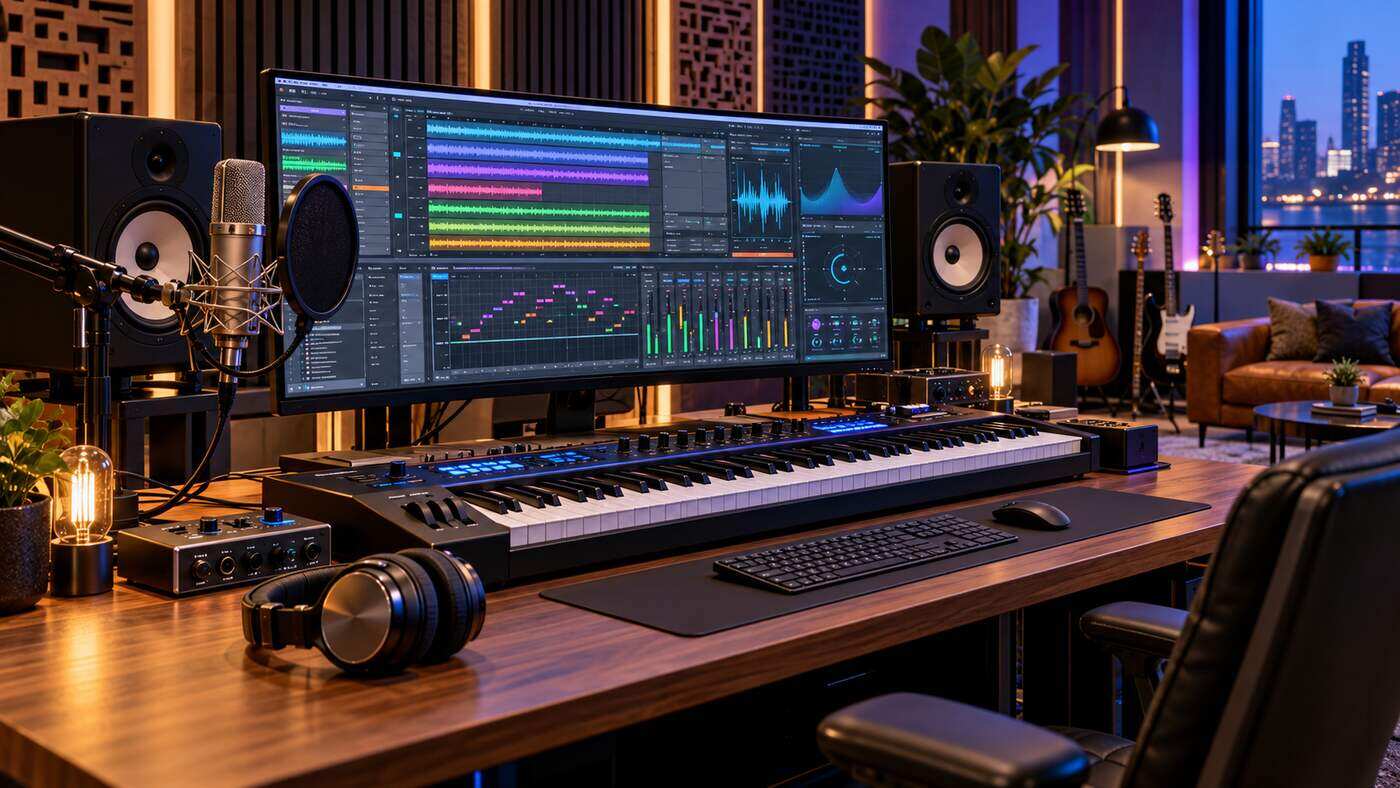
Music creation has traditionally required musical knowledge, recording equipment, production software, and considerable time. Today, artificial intelligence is making parts of the creative process more accessible to people with different levels of experience. An AI Song Maker App allows users to transform written ideas, original lyrics, and musical preferences into generated songs using technology that can produce melodies, instrumentals, and sometimes synthesized vocals.
For American content creators, independent musicians, marketers, and hobbyists, AI music tools offer new opportunities to experiment with songwriting and audio production. Whether you want background music for a video, a personalized birthday song, or inspiration for an original recording, these applications can help you explore musical ideas without building an entire recording studio.
However, understanding their features, limitations, costs, and copyright considerations is essential. This guide explains how AI song creation works and provides practical advice for producing better music while maintaining creative control.
What Is an AI Song Maker App?
An AI Song Maker App is a software application that uses artificial intelligence to assist with generating musical content.
Depending on the service, users can enter text descriptions, provide original lyrics, select musical styles, or upload audio that they are authorized to use.
The application then generates music based on the available instructions and its underlying trained models.
Some tools create complete songs containing vocals and accompaniment. Others specialize in instrumental music, beats, melodies, or songwriting assistance.
The exact capabilities vary considerably between applications.
How AI Music Generation Works
Generative music systems learn statistical patterns from training data and use those patterns to produce new audio or musical structures in response to user inputs.
Modern systems may generate audio directly or combine several processes to create vocals, instrumentation, and arrangements.
Users typically describe the music they want, including the genre, mood, pace, instruments, and vocal characteristics.
The system interprets these instructions and produces one or more results.
For example, a user might request an upbeat acoustic pop song featuring gentle guitar, light percussion, and an optimistic atmosphere.
The application may generate a musical arrangement that reflects those characteristics.
Results are not guaranteed to match every instruction perfectly, and repeated requests can produce different outcomes.
7 Powerful Tips for Getting Better Results With an AI Song Maker App
Creating appealing AI music involves more than entering a few words and accepting the first result.
The following techniques can help beginners and experienced creators make better use of AI music generation software.
1. Start With a Clear Musical Concept
The first step toward producing useful music is understanding what you want to create.
A vague request such as make a nice song gives the application considerable freedom to interpret the result.
A more specific description helps communicate your preferences.
Consider identifying the musical genre, emotional tone, intended audience, approximate tempo, and preferred instruments.
For example, a creator preparing music for a travel video might want an uplifting instrumental track with acoustic guitar, soft percussion, and a relaxed rhythm.
This description provides more useful direction than requesting generic background music.
Build an Effective AI Music Prompt
A practical music prompt can include several elements:
- Genre such as pop, jazz, country, electronic, or acoustic folk
- Mood such as peaceful, energetic, nostalgic, or inspirational
- Instrumentation such as piano, guitar, strings, or synthesizers
- Vocal preference such as instrumental, solo vocal, or harmonized singing
- Arrangement preferences such as a gentle introduction or strong chorus
- Intended use such as a podcast introduction or personal celebration
Not every tool supports every instruction, so review its documentation.
Specificity can improve consistency, although overly complicated prompts may produce unpredictable results.
2. Use Original Lyrics to Strengthen Your Creative Identity
Lyrics help establish the meaning and emotional direction of a song.
Many AI music applications let users enter their own words instead of relying entirely on generated lyrics.
This can be useful when creating personalized music for an occasion or developing a distinct artistic voice.
For example, a songwriter could prepare verses about friendship, personal growth, or a meaningful life experience.
The AI application can then help explore different musical arrangements for those words.
Organize Lyrics Into Clear Sections
Song structures often include verses, choruses, bridges, and introductions.
A typical arrangement might begin with a short introduction, followed by a verse, chorus, second verse, and final chorus.
Clear organization can help supported AI tools interpret how different parts of the song should relate.
However, song structures are flexible.
Some compositions benefit from repetition, while others use more experimental arrangements.
Review Lyrics Before Generating Music
Check your lyrics for grammar, clarity, rhythm, and consistency.
Read the words aloud to identify awkward phrases.
Consider whether each line is comfortable to sing and whether the emotional message remains understandable.
Avoid copying lyrics from copyrighted songs without permission.
Writing original material helps establish a personal creative contribution and reduces some potential rights concerns.
3. Experiment With Different Music Genres
An important advantage of AI music tools is the ability to explore different musical directions.
A single lyrical concept can produce very different results depending on the selected genre.
For example, inspirational lyrics could become an acoustic folk composition, upbeat pop track, or gentle piano ballad.
Trying several approaches may reveal an arrangement that works better than your original idea.
Popular Genres for AI Music Creation
Common options include pop, electronic dance music, hip hop, rock, jazz, country, ambient, cinematic, and classical influenced compositions.
Some applications also allow users to combine musical characteristics.
For example, an acoustic arrangement might incorporate electronic percussion, or a cinematic instrumental might include elements of jazz harmony.
Be mindful that some traditions have complex cultural histories and musical practices that cannot be accurately represented by a simple genre label.
Exploring these styles thoughtfully can improve your understanding of music.
4. Refine the Melody, Rhythm, and Arrangement
The first generated track should be treated as a creative starting point rather than automatically considered a finished recording.
Listen carefully to the melody, rhythm, transitions, and overall structure.
Consider whether the introduction feels too long or whether the chorus communicates the intended emotion.
Some applications allow users to regenerate sections, extend music, replace passages, or create alternative versions.
Others require generating an entirely new track when substantial changes are needed.
Make Improvements Through Small Adjustments
Instead of changing every instruction at once, adjust one important characteristic.
For example, you could request a slower tempo, less prominent percussion, or a stronger piano melody.
Comparing results helps identify which instructions produce useful changes.
Keep copies of versions you prefer when your application’s plan permits downloading or saving them.
This allows you to revisit earlier ideas instead of repeatedly beginning from scratch.
5. Choose Vocal Styles Carefully
Some AI song generation applications support synthesized singing voices.
Depending on the platform, users may be able to select different vocal characteristics, styles, or languages.
Vocal generation can be useful for exploring how lyrics sound when sung.
However, synthetic vocals may occasionally produce unclear pronunciation, unnatural phrasing, or inconsistent emotional expression.
Listen to the entire performance before deciding whether it suits your project.
Respect Voice and Identity Rights
Avoid using another person’s recognizable voice or identity without appropriate authorization.
Imitating a famous singer may raise legal, contractual, and ethical issues.
Voice-related rights can vary by jurisdiction and the specific way a recording is used.
For public or commercial projects, use voices that the platform has permission to provide and that its terms authorize for your intended purpose.
A generic vocal style is generally a more cautious choice than attempting to impersonate a specific individual.
6. Edit and Improve the Final Audio
Even when an application generates a complete arrangement, additional editing may improve the listening experience.
Basic audio adjustments can help correct abrupt endings, inconsistent volume, or sections that feel unnecessarily repetitive.
Depending on the tool, available editing features may include cropping, extending, adjusting levels, separating instruments, or exporting individual stems.
More advanced editing can be performed in compatible digital audio workstation software.
Important Audio Editing Considerations
Pay attention to volume balance, vocal clarity, unwanted distortion, and transitions between sections.
If the generated track includes vocals, make sure the words remain understandable.
For instrumental music, consider whether the arrangement supports its intended use without overpowering other content.
A podcast soundtrack, for instance, should not compete with spoken dialogue.
Quality evaluation is especially important when using AI generated music in public content.
7. Understand Music Licensing Before Publishing
One of the most important steps involves reviewing the rights associated with generated music.
A song that can be created for free is not necessarily licensed for commercial use.
Some platforms allow free users to generate music for personal projects but require a paid subscription for monetized content.
Other services have different rules governing downloads, redistribution, attribution, or sublicensing.
Commercial Use Is Not the Same as Copyright Ownership
A platform may give users contractual permission to monetize generated music without guaranteeing that the music qualifies for copyright protection.
In the United States, copyright protection generally requires sufficient human authorship.
The U.S. Copyright Office has explained that providing prompts alone does not necessarily establish copyright in AI generated output.
Meaningful human contributions, such as original lyrics or creative arrangements, may qualify for protection depending on the circumstances.
Before publishing or monetizing a song, examine the application’s current license terms and confirm that all third-party material is authorized.
Essential Features to Look for in an AI Song Maker App
Choosing a music creation application involves evaluating its capabilities alongside your actual needs.
A beginner preparing occasional personal songs may have different priorities from a professional creating content for clients.
Text to Music Generation
Text to music generation allows users to describe the music they want using natural language.
This feature is useful for turning general ideas into musical drafts.
Look for applications that provide meaningful control over genre, mood, instrumentation, and song structure.
Lyrics to Song Conversion
A lyrics to song feature can help turn original written verses into a musical performance.
Some applications generate accompaniment and vocals around submitted lyrics.
Songwriters may find this useful for experimenting with melody ideas before arranging a professional recording.
Instrumental Music Generation
Instrumental generation is valuable for creators who need music without singing.
Possible uses include videos, presentations, podcasts, and personal creative projects.
Check whether the application supports instrumental-only requests and whether the results can be edited.
Music Editing and Extensions
Editing features allow users to refine generated content instead of starting from the beginning every time.
Useful options may include replacing a section, extending a short composition, adjusting the arrangement, or creating alternative versions.
The more control a user has over the result, the easier it may be to develop a consistent artistic direction.
Audio Export Options
Check which file formats are available.
MP3 files are useful for convenient sharing and listening, while WAV files may be preferable for certain editing workflows.
Not every subscription provides access to every format.
Also verify whether downloads are limited by monthly credits or plan restrictions.
Privacy and Storage
Some creators prefer to keep unfinished songs private.
Check whether the application publishes generated content automatically or offers private projects.
Review how long recordings are stored and whether uploaded audio may be used to improve the service.
These considerations are particularly important when working with confidential client projects or unreleased music.
How to Create Your First Song Using AI
Beginners can approach music generation through a simple creative workflow.
Step 1: Select a Suitable Music Generator
Choose an application that supports your preferred device, musical goals, and budget.
Review its available features and licensing conditions.
A free trial can be useful for understanding the interface before paying for advanced capabilities.
Step 2: Describe Your Song Idea
Write a clear description of the intended style.
For example:
“Create an uplifting acoustic pop song with warm guitar, gentle piano, natural sounding vocals, and a memorable chorus about achieving personal goals.”
This provides a recognizable musical direction without relying on a specific copyrighted song.
Step 3: Add Your Own Lyrics
If supported, enter original lyrics.
Organize the words into understandable verses and choruses.
Check spelling and readability before generating the track.
Step 4: Generate and Compare Versions
Listen to the results using headphones or suitable speakers.
Pay attention to melody, phrasing, rhythm, and overall sound quality.
Try alternative prompts or arrangements if the result does not match your expectations.
Step 5: Refine the Best Version
Use available editing tools to improve transitions, shorten unnecessary sections, or adjust the overall structure.
For more extensive changes, consider using audio editing software.
Step 6: Review Rights and Export
Before downloading, confirm the permitted uses under your current subscription.
Choose an appropriate audio format and retain any relevant license documents.
If publishing commercially, check whether your music distributor or publishing platform has additional requirements.
Who Can Benefit From AI Song Creation Tools?
AI music software can support several different creative activities.
Independent Musicians and Songwriters
Musicians can use AI tools to experiment with melodies, accompaniment, and arrangements.
These applications may help generate ideas during songwriting sessions.
However, musical judgment, original composition, performance, and production skills remain valuable.
AI tools are most useful when creators evaluate and shape the results rather than relying entirely on automation.
YouTube and Social Media Creators
Video creators often need background music that matches a particular mood.
AI generated instrumentals can provide possible options for introductions, tutorials, lifestyle content, and short videos.
However, creators must verify commercial-use permissions and platform policies before publishing monetized content.
The ability to download a track does not automatically establish permission to use it in every project.
Podcasters and Digital Marketers
Podcasts may use original theme music, short transitions, or introductory soundtracks.
Businesses may also explore AI music for presentations and advertising concepts.
Client work requires careful attention to licensing, privacy, and contractual requirements.
Students and Music Hobbyists
Beginners can experiment with songwriting ideas and explore how musical characteristics influence a composition.
An AI tool may help demonstrate differences between musical moods, instruments, and arrangements.
However, educational use should encourage listening and creative decision-making rather than replace learning about music theory and composition.
Free vs. Paid AI Song Maker Apps
Many AI music platforms offer a combination of free access and paid subscriptions.
Free plans may include limited generation credits, restricted models, public projects, or personal-use permissions only.
Paid plans may provide higher generation allowances, additional editing tools, better export options, and commercial-use permissions.
The details differ between providers and can change over time.
What Should You Check Before Subscribing?
Look beyond the advertised monthly price.
Evaluate generation credits, song duration limits, export availability, audio formats, supported devices, and renewal policies.
Some platforms separately limit how many tracks can be downloaded, even when users can generate additional music.
For example, Suno’s September 2026 policy changes introduced download allowances that differ by subscription tier.
Its documentation also distinguishes between free personal-use tracks and qualifying downloads made under paid subscriptions.
These rules illustrate why it is important to read the current terms of a particular application before relying on its music commercially.
Can You Make Money With AI Generated Songs?
AI assisted music may be used in monetized projects when the relevant permissions and legal requirements are satisfied.
Potential applications include video soundtracks, advertising, commercial presentations, game audio, and music distribution.
However, permission to use a generated song commercially does not guarantee that a distributor will accept it or that it qualifies for copyright protection.
Review Commercial Licensing Terms
Before monetizing a track, confirm whether the application allows your intended activity.
Different uses may have different requirements.
For example, publishing a song on a streaming platform may involve different arrangements from supplying background music to a paying client.
Keep documentation showing when the track was generated, the applicable subscription, and any relevant license.
Understand the Role of Human Creativity
Writing original lyrics, composing melodies, recording performances, and creatively arranging music can contribute human expression.
These contributions are important when evaluating copyright protection.
By contrast, simply requesting a song from an AI system may not establish ownership of copyright in the resulting generated musical elements.
Creators should avoid assuming that a commercial license automatically grants exclusive rights against everyone else.
For significant commercial releases, professional legal advice may be appropriate.
Common Mistakes to Avoid With AI Music Apps
A frequent mistake is using prompts that are too vague to communicate a useful musical direction.
Another is generating a track and publishing it without reviewing the audio carefully.
Some songs may contain awkward transitions, repetitive sections, or unclear vocals.
Creators should also avoid uploading copyrighted recordings or lyrics without appropriate authorization.
Attempting to copy a recognizable song or imitate a particular artist’s voice can create additional concerns.
Ignoring subscription restrictions is another common problem.
Free access does not necessarily mean commercial permission, and licensing conditions may change.
Finally, avoid assuming that every generated track is completely unique.
AI services may produce similar outputs for different users, and independent review remains important.
How to Choose the Best AI Song Maker App for Your Needs
The best platform is not necessarily the one with the largest feature list.
It is the application that supports your creative goals and provides clear terms for how its output can be used.
Beginners may prioritize a simple interface and accessible generation tools.
Songwriters may prefer greater control over lyrics, melodies, and arrangement.
Content creators may focus on instrumental generation, export formats, and commercial permissions.
Professional producers may need advanced editing, stem separation, and compatibility with existing audio software.
Before committing to a subscription, test sample projects and compare the results.
Evaluate audio quality, customization, ease of use, support, privacy, and overall cost.
This approach helps determine whether a platform provides practical value instead of relying solely on promotional claims.
The Future of AI Music Creation
AI music technology continues to evolve, offering creators additional ways to experiment with sound.
Future improvements may provide more precise control over individual instruments, vocal performances, musical structure, and editing workflows.
At the same time, questions involving copyright, consent, training data, attribution, and compensation remain important.
The most constructive role for these tools is to expand creative possibilities while respecting artists and other rights holders.
Human imagination, musical knowledge, and thoughtful editing will continue to influence how successfully AI generated material becomes meaningful music.
Frequently Asked Questions
1. What is an AI Song Maker App?
An AI Song Maker App is software that uses artificial intelligence to generate songs, melodies, instrumentals, or vocals from text descriptions, lyrics, and other supported inputs.
2. Can I make songs with AI without musical experience?
Yes. Many AI music generators allow beginners to create songs using written prompts. Musical knowledge can still help users evaluate and improve the results.
3. Are AI Song Maker Apps free to use?
Some applications offer free plans with limited credits or features. Paid subscriptions may provide additional tools, downloads, and commercial-use permissions.
4. Can I use AI generated music on YouTube?
Potentially, yes, if the music is appropriately licensed and complies with YouTube’s policies. Verify commercial rights and any third-party restrictions before publishing.
5. Can an AI Song Maker App create songs from my lyrics?
Many AI songwriting tools support original lyrics and generate accompanying music or vocals. Available features and editing controls depend on the application.
6. Do I own the copyright to AI generated songs?
Not automatically. U.S. copyright protection depends on sufficient human authorship, while commercial-use permissions depend on licensing terms and applicable rights.
Conclusion
An AI Song Maker App can make music experimentation more accessible to songwriters, independent creators, businesses, and beginners. By combining thoughtful prompts, original lyrics, careful editing, and suitable production tools, users can develop music that supports their creative goals. However, audio quality, commercial licensing, privacy, and copyright considerations deserve careful attention. Choosing a reliable application and maintaining meaningful human creative involvement can help produce more useful, responsible, and engaging musical work