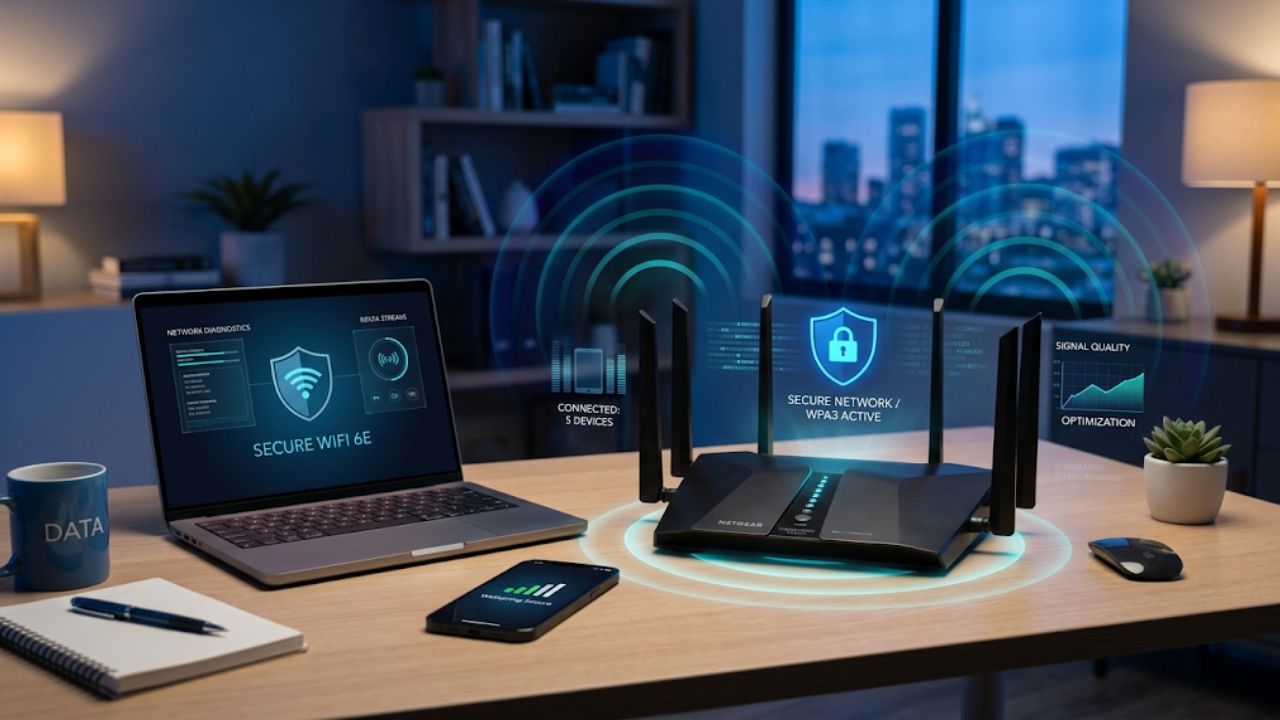
Internet Use Optimization Tips and Hidden Router Features
We go online daily, and most of our habits stay unchanged for a long time. However, over the years, more people want higher control over their browsing. They want the best speeds, overall performance, and optimal conditions. In this article, we discuss some of the best internet-use optimization tips and hidden (or lesser-known) router features to boost your internet performance.
Prioritizing privacy and security
Managing your browsing activities starts with getting more privacy and security. Privacy-conscious individuals already use software tailored to prevent many potentially uncomfortable tracking activities. Brave, DuckDuckGo, and even the well-known Mozilla Firefox have become popular private browsers for evading more intense monitoring. Most specialize in blocking ads, personalization, and even the dangers of cryptominers or fingerprinting.
Take advantage of different frequencies
For the best internet performance and coverage, you should take advantage of available frequencies. A dual-band Wi-Fi 5/6 router can serve both frequencies for your convenience. As you may know, the 5GHz band offers faster speeds over shorter ranges, while 2.4GHz covers more ground but offers slower speeds. Yet, each has its purpose in your home.
You can do this quickly through your router and by opening its admin panel via a browser. When you look for Network Settings or a similar section, it should contain Dual-Band SSID or Band Steering (which you should turn off). Then, you will name each section (for 2GHz and 5GHz) and save your changes. Next time you choose a network to join, you will see both available.
Turn leisure activities into profit
Everyone enjoys some downtime browsing social media or playing online games. One secret is that you can make money from your phone by doing many of the same activities you normally do. That includes engaging and scrolling through social media, answering surveys, or testing mobile games. That way, you can turn most of your regular downtime into paid time with little effort.
Use QoS (Quality of Service)
Quality of Service is for times when you use your entire bandwidth. While such occasions might be rare, they can happen at the worst time: when you need to join a virtual meeting or host an online gaming server. If you enable QoS, your router prioritizes more sensitive activities, and less important ones move down the list.
Of course, don’t expect this feature to boost internet connectivity. Instead, it is more about a more logical distribution of bandwidth, ensuring that more sensitive activities get the bandwidth they need. If bandwidth isn’t an issue for you, enabling QoS isn’t necessarily a good idea: it has its own drawbacks when you don’t particularly benefit from traffic prioritization.
Upgrade your router to a newer model
An older router definitely won’t provide the same experience as a brand-new one. So, invest in hardware that supports the latest technologies to make your internet connection more resistant to interruptions and deliver the fastest speeds.
Of course, the router model might not be up to you if you’re using the one provided by ISPs. They typically do not replace routers until they malfunction. However, you can contact your ISP to find out what the conditions are for replacing their router with your own. Your ISP may offer limited support if you use an external device. So they may blame the gadget whenever your internet doesn’t work as well as it should. If you don’t want to replace your router, you can try bridge mode.
Router as a way to limit screen time
During the day, you may enjoy full access to the wide realms of the internet. You can freely earn money online, play games, work on personal projects, or explore the latest news. However, a router can support your no-screen routine in the evening or restrict access to certain services. Such changes are possible through DNS-level filtering (for blocking certain websites) or through the scheduler settings. The latter lets you pick the time and days when you want to make it impossible to go online.
All in all
Browsing the internet is not always as productive, enjoyable, private, or fast as you would like. However, several general changes (such as changing your browser) and router adjustments can make your experience more pleasant and controlled (by you).