NVIDIA Video Codec SDK Update Expands AV1 Encoding
NVIDIA has just shipped a major update to its Video Codec SDK, and video engineers are paying attention. Version 13.1 arrived this week through NVIDIA’s developer channels, bringing deeper AV1 encoding controls, smarter quality tuning, and a rebuilt transcoding pipeline designed for modern AI-driven video workloads. Although it targets developers, its effects will reach streamers, editors, and everyday viewers before long.
The update lands as AV1 cements its role as the industry’s codec of choice. Streaming platforms keep expanding support, and hardware encoders keep improving. Consequently, each SDK generation now translates into visible quality gains for real audiences.
This article breaks down everything in the release: the headline AV1 encoding features, the decoding and transcoding additions, and what they mean in practice. Moreover, you will learn which GPUs qualify and how to test the improvements yourself.
What’s New at a Glance
- AV1 hierarchical reference mode supporting up to 31 B-frames for meaningful bitrate savings
- Ultra-high-quality (UHQ) tuning now works with iterative encoding for finer quality control
- Zero-copy transcoding with shared GPU memory buffers, cutting bandwidth use and latency
- Decode upgrades including frame-accurate seek, per-macroblock stats, and expanded stereoscopic 3D support
What Is New in the Latest NVIDIA Video Codec SDK?
Video Codec SDK 13.1 is now available from NVIDIA’s developer portal. The SDK gives applications direct access to the dedicated hardware encoders (NVENC) and decoders (NVDEC) inside NVIDIA GPUs. Therefore, every update shapes what tools like streaming software, transcoders, and media pipelines can do.
This release focuses on three areas. First, encode quality and efficiency get a lift through new AV1 encoding modes. Second, decode becomes more intelligent with per-macroblock statistics and frame-accurate seeking. Third, the transcoding framework receives a full redesign with a modular, queue-based architecture.
With SDK 13.1, NVIDIA now ships an official Docker-based development environment. The container packages the CUDA toolchain, Vulkan SDK, and FFmpeg into one reproducible image. As a result, developers can skip the painful multi-package setup that previously slowed down evaluation. Redesigned sample applications round out the package, offering clearer starting points for custom pipelines.
AV1 Encoding Gets Hierarchical B-Frame Support
The flagship feature of SDK 13.1 is the AV1 hierarchical reference mode. It allows the encoder to place up to 31 B-frames between reference frames, organized in a tree-like prediction structure. Supported configurations include 1, 3, 7, 15, and 31 B-frames. In practice, the mode proves most effective at seven or more B-frames.
Why does this matter? In essence, B-frames store only the differences from surrounding frames. Therefore, longer chains of them squeeze more quality out of every megabit. NVIDIA’s own testing shows up to roughly five percent better compression efficiency on natural content compared with previous tuning modes. The gains appear in both constant-quality and variable-bitrate modes, and they arrive with minimal performance penalty. Five percent may sound modest in isolation. However, multiplied across millions of streamed hours, those savings reshape bandwidth budgets and storage bills alike.
Notably, the feature currently applies to AV1 encoding only. NVIDIA has already confirmed that H.264 and HEVC support will follow in future driver updates. For now, teams betting on AV1 get the advantage first.
SDK 13.1 also pairs the ultra-high-quality tuning mode with iterative encoding. Introduced in an earlier SDK generation, iterative encoding freezes the encoder’s automatic state advancement. Consequently, developers can re-encode the same frame with different parameters and keep the best result. Combining both techniques gives quality-focused pipelines far more control than before.
Why AV1 Encoding Matters for Streaming and Creators

AV1 has won the codec war for forward-looking platforms. The format delivers roughly 20 to 30 percent better compression than HEVC in typical comparisons, and it carries no royalty fees. Meanwhile, H.264 continues aging despite its universal compatibility. For streaming services, smaller files at equal quality mean lower bandwidth bills. For viewers, smoother playback at any connection speed follows naturally. Adoption reinforces this logic. Major platforms, including YouTube and Twitch, already accept AV1 streams, while browser and device support continues expanding each quarter. As a result, infrastructure built around newer codecs rarely needs retrofitting later.
Hardware AV1 encoding changes the economics further. Software encoders like SVT-AV1 achieve excellent results but demand heavy CPU power and time. In contrast, NVENC performs the same work on dedicated silicon while barely touching CPU or GPU compute resources. Streamers can therefore game and broadcast simultaneously without sacrificing frame rates. This advantage explains why the codec now headlines consumer GPU marketing materials.
The momentum behind these improvements extends beyond live streaming. Video editors archive masters with hardware AV1 encoding at a fraction of software encoding times. In addition, cloud gaming and remote desktop providers depend on the same encoders to deliver responsive, high-quality streams to millions of users.
This trajectory has been building steadily. Ada-generation cards introduced AV1 encoding hardware and multi-encoder split-frame technology. Subsequently, the previous SDK generation extended the ultra-high-quality mode to AV1 on Blackwell, pairing near-software quality with roughly triple the throughput. The new B-frame hierarchies simply continue that pattern of compounding gains.
Beyond Encoding: Zero-Copy Transcoding and Smarter Decoding
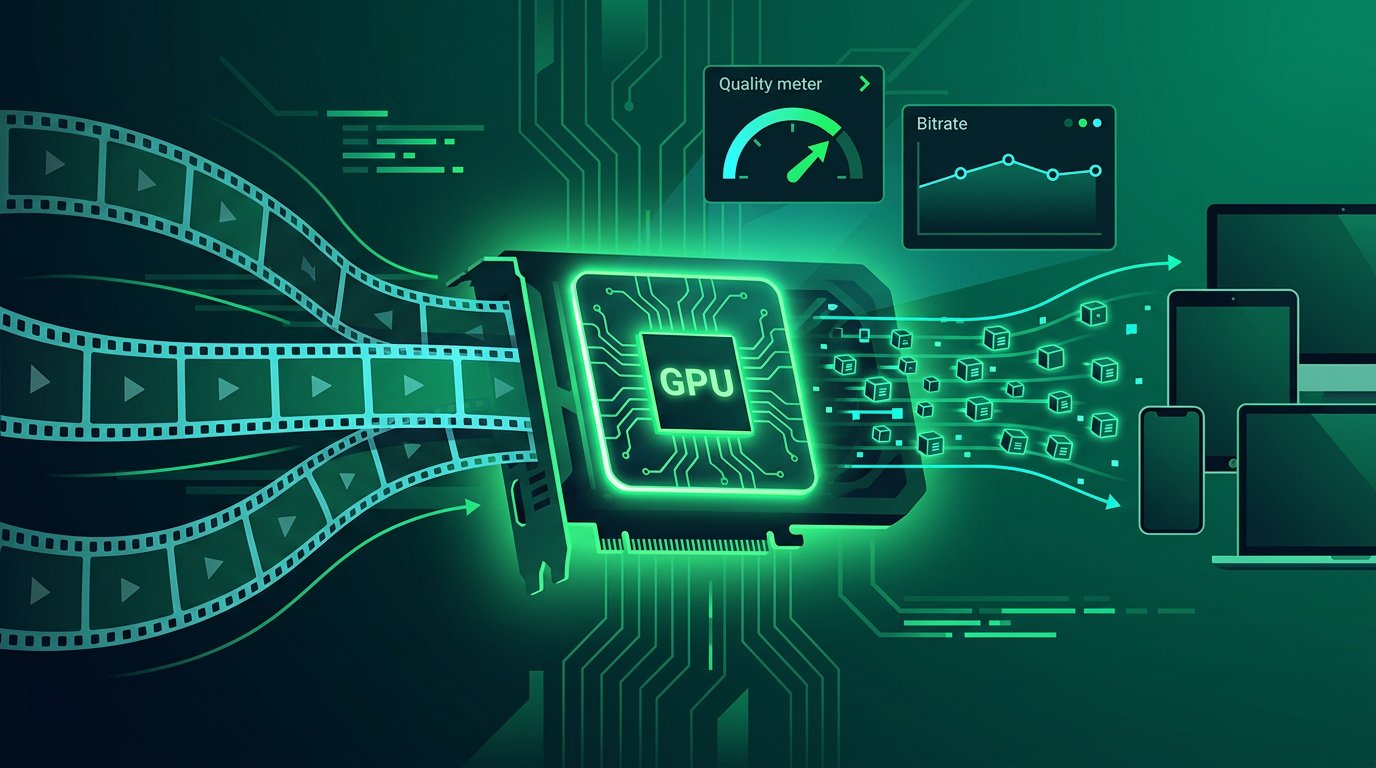
Encoding captures the headlines, but SDK 13.1 brings equally meaningful changes elsewhere. The transcoding pipeline has been rebuilt around a modular, queue-based design. Moreover, the new zero-copy mode lets decode and encode stages share GPU memory buffers directly. The result is lower graphics and memory-bandwidth utilization, higher throughput, and reduced latency for 1:1 transcodes.
On the decode side, three additions stand out. Per-macroblock statistics for H.264 and HEVC give analytical tools unprecedented visibility into compressed content. Furthermore, frame-accurate seek powered by a GOP-aware architecture lets editing and AI pipelines jump to exact frames without decoding entire segments.
Stereoscopic video also receives attention. Expanded MV-HEVC support now exposes view and layer metadata cleanly, and split-frame encoding accelerates the high-resolution 3D workloads that exceed a single encoder’s capacity. These touches matter increasingly as immersive content pipelines grow.
Finally, the redesigned sample suite ships four focused applications: a throughput benchmark, a standard transcode path, a one-to-many scaling path, and the new zero-copy application. Together, they replace the older monolithic sample that forced developers to understand the entire pipeline before modifying anything.
The timing matters for AI workloads in particular. Video analytics, content moderation, and generative pipelines all transcode enormous libraries continuously. Moreover, every milliwatt saved per frame multiplies across datacenter scales. Efficiency features like zero-copy sharing therefore translate directly into operating-cost reductions.
Which GPUs Support the New AV1 Encoding Features?
Hardware requirements deserve clear attention. AV1 encoding on NVENC requires an Ada or Blackwell architecture GPU, meaning GeForce RTX 40-series or RTX 50-series cards. By contrast, older Ampere and Turing generations decode AV1 but cannot encode it in hardware.
In addition, top-tier models squeeze even more from the format. Higher-end Ada and Blackwell chips carry dual or even triple NVENC engines. Consequently, split-frame encoding can divide individual frames between engines for substantial speed gains, particularly at 4K and 8K resolutions. Application notes now publish detailed throughput figures per preset, which helps capacity planning for server builds. It is also worth considering memory carefully. High-resolution encoding benefits from generous VRAM, especially with 8K timelines or simultaneous streams. Consequently, workstation cards with larger buffers remain popular in broadcast environments.
The practical checklist is short. Update to the latest Game Ready or Studio driver, confirm your card generation, and verify that your software of choice has integrated the new SDK. Most mainstream tools adopt these releases within weeks, although exact timing varies by vendor.
How to Try the New AV1 Encoding Features

Getting hands-on is straightforward regardless of your role.
Developers should download the SDK from NVIDIA’s developer site and pull the official Docker image. The container includes prebuilt samples, so the zero-copy and B-frame examples run almost immediately. Meanwhile, the NVENC Programming Guide documents the exact flags for hierarchical reference configurations.
Content teams using FFmpeg gain AV1 hardware support automatically through recent releases, since version 7.1 added B-frame controls for the AV1 NVENC wrapper. In practice, try enabling hierarchical B-frames on archival transcodes and measure bitrate savings against your current presets.
Streamers and editors simply need patience for now. OBS Studio, HandBrake, and the popular NLEs typically absorb SDK updates in their normal release cycles. Once integrated, expect visible quality improvements at streaming bitrates — sharper fast motion, cleaner dark scenes, and fewer compression artifacts at the same upload rate.
Archival teams benefit immediately as well. Library-wide re-encodes that once demanded server farms now run on modest GPU workstations overnight. Furthermore, the five percent efficiency edge compounds with every petabyte stored.
Pros and Limitations at a Glance
Pros
- Up to 31 B-frames unlock measurably better AV1 encoding efficiency
- Roughly five percent compression savings in NVIDIA’s natural-content tests
- UHQ plus iterative encoding gives developers fine-grained quality control
- Zero-copy transcoding lowers bandwidth use, latency, and pipeline complexity
- Docker environment removes a notorious setup barrier
- Decode and stereoscopic upgrades add value beyond encoding alone
Limitations
- Hardware AV1 encoding requires RTX 40-series or newer GPUs
- Hierarchical B-frames are AV1-exclusive for now, with H.264 and HEVC queued for later drivers
- End-user software needs integration work before benefits reach consumers
- Larger GOP structures can complicate some low-latency and editing workflows
FAQs
What does Video Codec SDK 13.1 add for AV1?
The headline addition is hierarchical reference mode for AV1 encoding, supporting up to 31 B-frames in tree-structured prediction. It delivers around five percent better compression on natural content with minimal performance cost. Additionally, the release combines UHQ quality tuning with iterative encoding and introduces zero-copy transcoding for faster pipelines.
Do I need a specific GPU for hardware AV1 encoding?
Yes. NVENC AV1 encoding requires an Ada or Blackwell architecture GPU — GeForce RTX 40-series or RTX 50-series cards. Older Ampere and Turing GPUs can decode AV1 in hardware but lack the encode silicon. Higher-end models with multiple NVENC engines gain further speed through split-frame encoding.
What are B-frames, and why do 31 of them matter?
B-frames are bidirectional predicted frames that store only differences from neighboring frames. More B-frames mean longer chains of efficient prediction, which shrinks file sizes at constant quality. Support for up to 31 B-frames lets the encoder exploit this fully, with the largest gains appearing from seven frames upward.
Will OBS Studio and HandBrake support these features automatically?
Not immediately. Desktop applications integrate new SDK releases through their own update cycles, typically within weeks or months. FFmpeg already carries the relevant AV1 encoder controls, so tools built on it tend to arrive first. Finally, check your application’s release notes and driver requirements for exact timing.
AV1 vs HEVC vs H.264 — which should I use now?
For new archival and streaming workflows on supported hardware, AV1 encoding is usually the strongest choice. It is royalty-free, roughly 20 to 30 percent more efficient than HEVC, and now benefits from hardware acceleration and advanced B-frame modes. However, H.264 still wins on device compatibility, so keep it as the fallback for maximum reach.
Is the Video Codec SDK free to download?
Yes. NVIDIA offers the SDK free through its developer program on the official developer portal. You accept the license agreement, download the package, and optionally pull the Docker environment. Support happens through the NVIDIA Developer forums, where engineers actively answer integration questions.
Conclusion
This release confirms a clear direction for video infrastructure. AV1 encoding has graduated from a promising format into the default choice for new pipelines, and NVIDIA keeps widening its hardware advantage. Hierarchical B-frames, unified quality tuning, and zero-copy pipelines each remove friction that held workflows back.
For developers, the practical step is simple. Grab the SDK, launch the Docker image, and benchmark hierarchical reference mode against your current settings. The published figures suggest worthwhile gains, but your own footage provides the only proof that matters.
For everyone else, the benefits will arrive quietly inside the tools they already use. As streaming software, editors, and transcoders integrate this SDK, sharper streams and smaller archives become the new normal. Looking ahead, Video Codec SDK 13.1 also hints at the next phase: analytics-driven encoding decisions guided by the new decode statistics. Ultimately, that is how codec progress always works — invisible on release day, indispensable within the year.