Animate Handwritten Recipes into Kinetic Typography Videos
Every family has one: a recipe card with a coffee stain in the corner, ink that’s slightly smudged, and a note in the margin that says “a little more butter, trust me.” Those cards are small treasures, and they’re usually hidden in a drawer. With an image to video tool, you can bring one to life as a short, warm video. Upload a photo of the card to Dreamina, let the Seedance 2.5 model add motion around it, and then layer on kinetic typography to make the words dance. This guide shows you how to photograph the card, write the prompt, and finish a video that feels like a hug from the kitchen.
A recipe card is a keepsake worth moving
Handwriting carries a person. The loops of a grandmother’s cursive, the shorthand only your family understands, the notes added over decades: these details can’t be replicated by a printed recipe. Turning a card into a video preserves that personality and makes it easier to share with cousins, kids, and friends.
Photographing the card
A good photo makes everything easier:
- Lay it flat: no curled corners or shadows
- Use soft, even light: a window works better than a lamp
- One recipe per image: keep the focus clear
- Stay close: the handwriting should fill the frame
- Keep the stains: they add warmth and history
Whisk it into motion in three Dreamina steps
Step 1: Upload the reference image and enter prompt
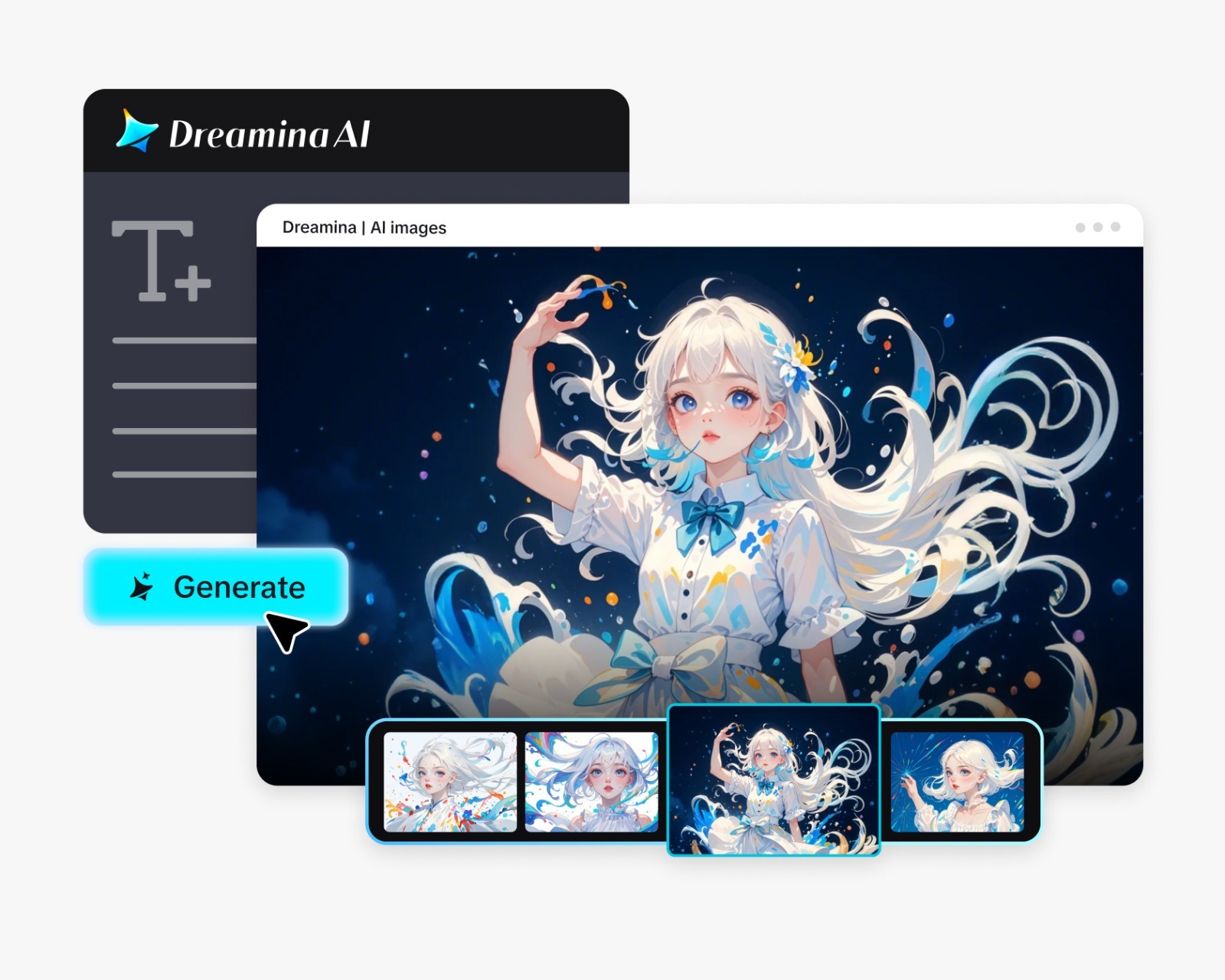
Login into Dreamina, and click on the “AI Video” tab. Under the tab, click “Add Reference Image,” then upload your image of the recipe card. Describe what kind of animation you would like, as well as what you would like to retain from the image.
For example, you could use the following description to make a 30-second video: Create animation for a 30-second warm kitchen scene out of the uploaded recipe card. Preserve the handwriting, butter stain, and the wooden table. Dust of flour blows over the card, steam rises from the cup of tea next to it, and the lighting moves slowly with the gentle zoom in of the pen strokes.
Step 2: Create the video
Select the Seedance 2.5 model and choose the length of the video along with its aspect ratio. Click Dreamina’s icon and wait for it to process. Vertical suits phone viewing, which is where most recipe videos are watched.
Step 3: Enhance and export
Use Dreamina’s AI editing tools to finish. Upscale sharpens the handwriting, and Generate soundtrack adds a soft, homey track. Export the clip and share it. If the ink starts to shift, add a line asking the text to stay fixed.
What Seedance 2.5 does for handwritten pages
Paper, ink, and tiny details ask a lot of a model, and a few Seedance 2.5 upgrades help.
Textures that feel physical
The reduced artificial look helps paper grain and ink variations read as real, instead of flat and glossy.
Steady frames for fragile text
Better consistency across a clip helps keep the card’s layout stable while light and steam move around it.
Cleaner footage for your own typography
Random subtitles and stray background music are filtered out, leaving a quiet canvas for the text you add later.
Camera angles that adjust
Spatial perspective changes let you shift the view across the card while the model fills in extra detail.
Realistic expectations for moving text
Handwriting is the hardest thing for any video model to hold perfectly still. Small letters can drift or blur as the clip plays. The best approach is to let the model animate the scene around the card, like steam, light, flour, and camera motion, and then add real kinetic typography afterward in an editor. That way your family’s actual handwriting stays crisp, and the movement comes from careful text animation instead of guesswork.
Adding kinetic typography afterward
Kinetic typography simply means words that move in time with the story. In a video editor, reveal the recipe line by line: a title that slides in, ingredients that pop up one at a time, steps that fade in as the cooking happens. Use a clean font that echoes the handwriting, or crop in the original handwriting as a still overlay. Keep text on screen for at least two seconds so people can read it.
Setting a kitchen scene around the card
The card is the star, but a little context makes it feel alive. Ask for warm morning light, a cup of tea, a scatter of flour, or a few lemons rolling gently to a stop.
Preserving the family story
Recipe cards are memories; handle them accordingly. Ask the family members before uploading a recipe card belonging to them, especially if the person who wrote the card is no longer around. The owner of the card and the date of its creation should be determined to give the proper credit to the chef. Take good care of the recipe card and make sure you use its copy for the video.
Let the recipe come alive
A handwritten recipe is a piece of someone’s life, and a short video is a lovely way to share it. Dreamina and Seedance 2.5 add warmth and motion, and a little typography finishes the job. Pick one card, photograph it carefully, and write a gentle prompt. Your next family dinner could open with a video clip.