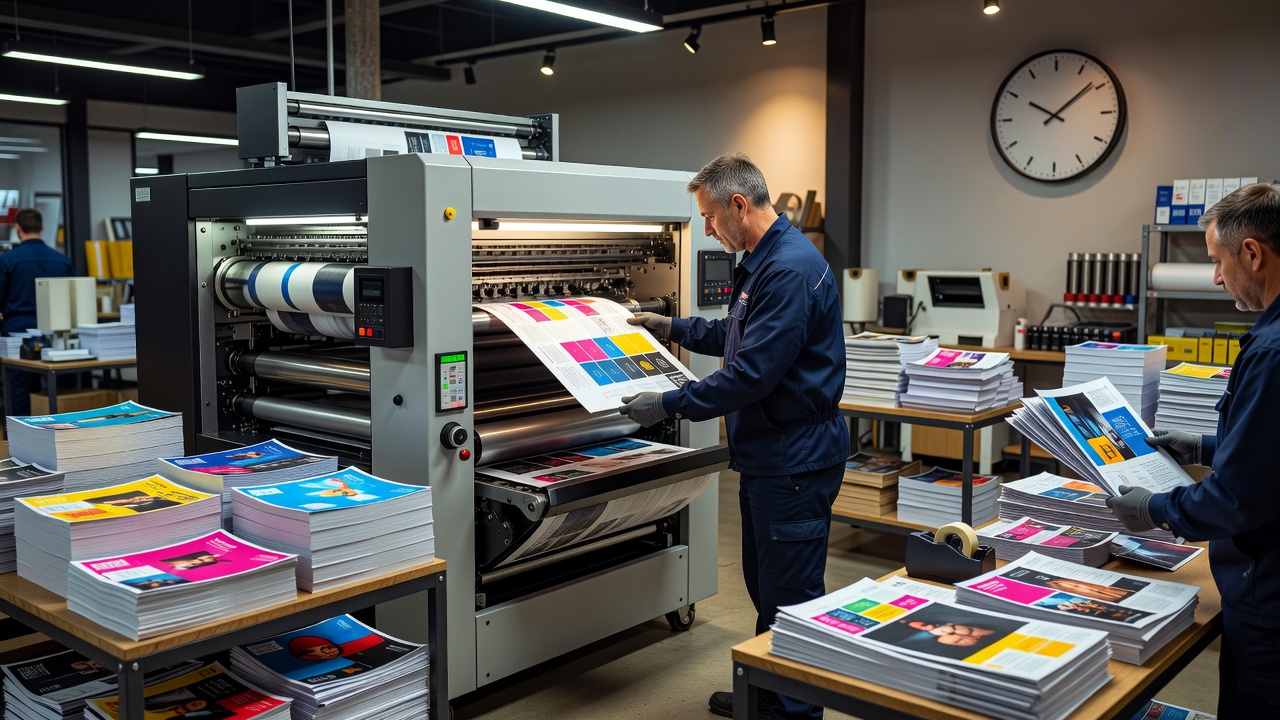
Rushed Printing: 7 Best Tips for Fast Quality Results
A trade show starts tomorrow, an important presentation was moved forward, or a marketing campaign suddenly needs hundreds of printed materials sooner than expected. Printing deadlines can change quickly, leaving businesses, event planners, agencies, schools, and individuals searching for a fast production solution. Rushed printing is designed for situations where standard turnaround times are no longer practical, helping customers produce time-sensitive materials on accelerated schedules when printer capacity and project specifications permit.
Fast printing, however, does not mean skipping every production step. Files still need to be correctly sized, images need sufficient resolution, fonts must render properly, and finishing requirements need to be achievable within the available time. A minor artwork problem can consume valuable hours during an urgent order, while complicated binding, specialty coatings, unusual paper stocks, or large quantities may make an extremely short deadline unrealistic.
The most effective approach is to simplify wherever possible and communicate the deadline before production begins. This guide explains how rushed printing works, which products can often be produced quickly, how to prepare artwork, what affects turnaround time, and seven practical strategies for completing urgent printing projects without unnecessary mistakes.
What Is Rushed Printing?
Rushed printing is an expedited production service that prioritizes a print order so it can be completed faster than a provider’s normal turnaround schedule.
Depending on the printer, project, and production capacity, expedited options may include:
- Same-day printing.
- Next-day production.
- One- or two-business-day turnaround.
- Priority production.
Not every printing company offers every option, and turnaround should never be assumed until the provider confirms it.
When Is Rushed Printing Useful?
Urgent printing is commonly used when a deadline changes unexpectedly or materials are needed for a time-sensitive event.
Typical situations include:
- Trade shows.
- Conferences.
- Business meetings.
- Product launches.
- Grand openings.
- Weddings.
- Fundraisers.
- School events.
- Political or community events.
Businesses may also require immediate replacement materials if existing prints contain outdated information or an order is damaged during transportation.
1. Choose Products That Can Be Produced Quickly
The first rule of rushed printing is to match the product to the deadline.
Some products are considerably easier to produce quickly than others.
Common fast-turnaround items may include:
Business Cards
Standard sizes and commonly stocked paper can simplify production.
Flyers
Simple flat sheets are usually less complicated than multi-stage printed products.
Posters
Digital printing can make short-run posters practical for urgent events.
Brochures
Simple folds may be possible quickly, although finishing adds production time.
Presentation Materials
Reports, handouts, and meeting packets may be produced on tight deadlines if files are ready.
Event Signage
Certain signs can be produced rapidly when appropriate materials are in stock.
Availability depends on the specific print shop.
2. Prepare Print-Ready Artwork
Poorly prepared artwork is one of the biggest causes of avoidable delays.
Before submitting a rushed printing order, verify the printer’s artwork requirements.
Common considerations include:
- Correct page dimensions.
- Appropriate bleed.
- Safe margins.
- High-resolution images.
- Embedded or outlined fonts where required.
- Correct file format.
- Proper color settings.
PDF is commonly requested for commercial printing, but individual providers may have specific standards.
Use the printer’s templates when available.
3. Understand Bleed and Safe Areas
When artwork extends all the way to the edge of a finished printed piece, additional artwork usually needs to extend beyond the trim line.
This extra area is called bleed.
Without appropriate bleed, trimming variations may leave unwanted white edges.
The safe area, by contrast, keeps important information sufficiently far from cutting or folding lines.
For urgent orders, fixing bleed after submission can waste valuable production time.
4. Keep Rushed Printing Specifications Simple
Complicated specifications create additional production steps.
If speed is the priority, consider using:
- Standard sizes.
- Commonly stocked paper.
- Straightforward folds.
- Standard finishing.
- Existing printer templates.
Specialty features such as unusual die cutting, complex binding, foil, embossing, custom shapes, or specialized coatings may require additional time or equipment.
That does not mean premium finishing is impossible on every rushed project. It means availability needs to be confirmed before relying on a short deadline.
5. Approve Proofs Quickly but Carefully
Proofing remains important even when time is limited.
Review:
- Spelling.
- Dates.
- Phone numbers.
- URLs.
- Prices.
- Addresses.
- Page order.
- Image placement.
- Trim positioning.
For event materials, double-check names, venues, schedules, and dates in particular.
Rushing through approval can turn an urgent order into an urgent reprint.
6. Choose Pickup or Shipping Strategically
Production turnaround and delivery time are separate.
An order completed tomorrow morning may still arrive too late if standard shipping requires several days.
When evaluating rushed printing, calculate backward from the actual time you need the materials.
Consider:
Local Pickup
Pickup can eliminate carrier transit time when the printer is nearby.
Courier Delivery
Local courier services may provide faster delivery for certain orders.
Expedited Shipping
For remote printers, express delivery may be required.
Remember that carrier delays can occur after a printer has completed production.
7. Communicate the Real Deadline
Do not simply tell a printer that an order is “urgent.”
Provide the actual deadline.
For example:
“The materials must be at the venue by 2:00 p.m. Thursday.”
This allows the provider to assess production and delivery realistically.
Ask for confirmation of:
- File deadline.
- Proof deadline.
- Production completion.
- Pickup or dispatch.
- Estimated delivery.
Clear timelines reduce misunderstandings.
Digital Printing for Fast Turnaround
Digital printing is often well suited to rushed printing because it can eliminate some setup associated with traditional offset production.
Digital equipment is commonly used for:
- Flyers.
- Brochures.
- Business cards.
- Postcards.
- Booklets.
- Short-run marketing materials.
Its suitability depends on quantity, substrate, finishing, color requirements, and the equipment available at the print provider.
Offset Printing and Urgent Orders
Offset printing can be highly economical and consistent for certain larger runs, but it generally involves additional setup.
Production may require:
- Plate preparation.
- Press setup.
- Printing.
- Drying or curing considerations.
- Finishing.
For extremely tight deadlines or smaller quantities, digital production may sometimes be more practical.
A commercial printer can recommend the appropriate process.
Large-Format Rushed Printing
Urgent printing is not limited to paper handouts.
Large-format products may include:
- Posters.
- Banners.
- Signs.
- Presentation boards.
- Window graphics.
Turnaround depends on material availability, print time, finishing, mounting, and quantity.
A standard poster may be quick to produce, while complex mounted signage can require substantially more preparation.
Why Paper Stock Matters
Customers often choose paper based primarily on feel and appearance, but inventory becomes especially important on urgent projects.
A specialty stock might need to be ordered from another supplier, making the requested deadline impossible.
For rushed printing, ask which comparable papers are currently available in-house.
Flexibility about stock can save significant time.
Color Accuracy on Urgent Jobs
Color can look different between screens and printed materials.
Monitors emit light, while printed products reflect it. Device calibration, paper, ink, coating, and printing process can all affect the final appearance.
Brand-sensitive projects may require more careful color management.
If exact color matching is essential, discuss requirements with the printer before production rather than assuming a rushed digital job will exactly reproduce an uncalibrated screen.
Finishing Options and Turnaround
Printing the sheet may be only one stage of production.
Finishing can include:
- Cutting.
- Folding.
- Binding.
- Laminating.
- Scoring.
- Drilling.
- Mounting.
Each process requires equipment and production time.
When the schedule is extremely tight, ask which finishing options are realistically available.
How Much Does Rushed Printing Cost?
Expedited production often costs more than standard turnaround because the printer may need to prioritize the job or reorganize its production schedule.
Price depends on:
- Quantity.
- Product.
- Paper.
- Color.
- Finishing.
- Turnaround.
- Delivery.
Some providers charge explicit rush fees, while others price expedited turnaround into the product.
Request the total price before approving production.
Reducing Costs on Rushed Printing Orders
Urgency does not necessarily mean choosing the most expensive configuration.
Costs may be controlled by:
- Using standard sizes.
- Selecting stocked materials.
- Reducing unnecessary finishing.
- Ordering only the immediate quantity needed.
- Picking up locally.
For example, a business might rush-print enough brochures for tomorrow’s event and place a larger standard-turnaround order afterward.
Quality Control Still Matters
Fast production should not eliminate essential quality checks.
Commercial printers may inspect aspects such as:
- Registration.
- Trimming.
- Color consistency.
- Finishing.
- Quantity.
Customers also have responsibilities.
Submitting accurate artwork and approving proofs carefully reduces the chance of preventable errors.
Common Rushed Printing Mistakes
One major mistake is contacting the printer too late while assuming every product can be produced immediately.
Other common problems include:
- Low-resolution graphics.
- Missing bleed.
- Wrong dimensions.
- Incorrect event information.
- Unavailable paper requests.
- Ignoring shipping time.
- Slow proof approval.
Urgent printing succeeds when both customer and printer work from a clear deadline.
Choosing a Rushed Printing Provider
Not every print company is structured for time-critical work.
Evaluate:
Equipment
In-house production can provide greater control over turnaround.
Product Range
Choose a provider experienced with the specific product you require.
Communication
Fast responses are particularly important when every hour matters.
File Support
A provider that quickly identifies artwork problems can prevent production delays.
Reviews
Recent customer feedback may provide useful insight into reliability and service.
Questions to Ask Before Ordering
Before submitting payment, ask:
- Can you meet my exact deadline?
- When must print-ready artwork arrive?
- Is proofing included?
- Which paper is currently stocked?
- What finishing is available?
- Is there a rush fee?
- When will the order be ready?
- Is pickup available?
- Is delivery guaranteed or estimated?
Document important deadline commitments where practical.
Planning for Events
Events generate many urgent printing requests because information can change close to launch.
A useful strategy is to separate materials into two categories.
Print evergreen materials earlier, such as general company brochures, while delaying items containing schedules, attendee information, or last-minute details.
This reduces the amount of work requiring expedited production.
How AI Can Help Before Printing
AI tools can assist with early-stage tasks such as brainstorming copy, summarizing information, checking consistency, and generating layout ideas.
However, AI-generated content should be reviewed carefully.
It can introduce:
- Incorrect dates.
- Invented details.
- Spelling problems.
- Unsupported claims.
- Awkward formatting.
For rushed printing, human proofing becomes particularly important because there may be no time for a second production run.
Future of Fast Commercial Printing
Printing workflows continue becoming more automated.
Online preflight systems can identify missing bleed, image-resolution problems, and incorrect dimensions before a human operator begins production.
Web-to-print technology allows customers to upload artwork, select specifications, approve proofs, and track production digitally.
More advanced automation may continue reducing turnaround times, but physical processes such as cutting, binding, shipping, and specialty finishing will still impose practical limits.
Conclusion
Rushed printing can be an effective solution when marketing materials, event collateral, presentations, signs, or other printed products are needed faster than a standard production schedule allows. The key to a successful urgent order is preparation: use print-ready artwork, select standard sizes and readily available materials, simplify finishing where necessary, approve proofs promptly, and account for shipping or pickup time separately from production. Customers should communicate an exact deadline rather than simply describing a job as urgent, while printers should confirm what can realistically be achieved. With clear communication and disciplined file preparation, rushed printing can deliver professional results without turning a tight deadline into an avoidable production crisis.
FAQs
What is rushed printing?
Rushed printing is expedited print production that prioritizes an order for completion faster than a provider’s standard turnaround, subject to equipment, materials, capacity, and job complexity.
Can rushed printing be completed the same day?
Some printers offer same-day services for selected products and specifications. Availability depends on the time artwork is submitted, quantity, materials, finishing, and current production capacity.
Does rushed printing cost more?
It can. Some providers charge rush fees or higher prices for expedited production. Request complete pricing before approving the order.
Which products are easiest to rush print?
Standard flyers, business cards, posters, postcards, simple brochures, and presentation materials are often easier to expedite than products requiring complex specialty finishing.
How can I avoid delays on a rushed printing order?
Submit print-ready artwork with correct dimensions, bleed, margins, images, and fonts; select stocked materials; approve proofs quickly; and communicate the exact deadline from the beginning.
Does turnaround time include shipping?
Not necessarily. Many printers calculate production turnaround separately from shipping or delivery time, so confirm both before ordering.