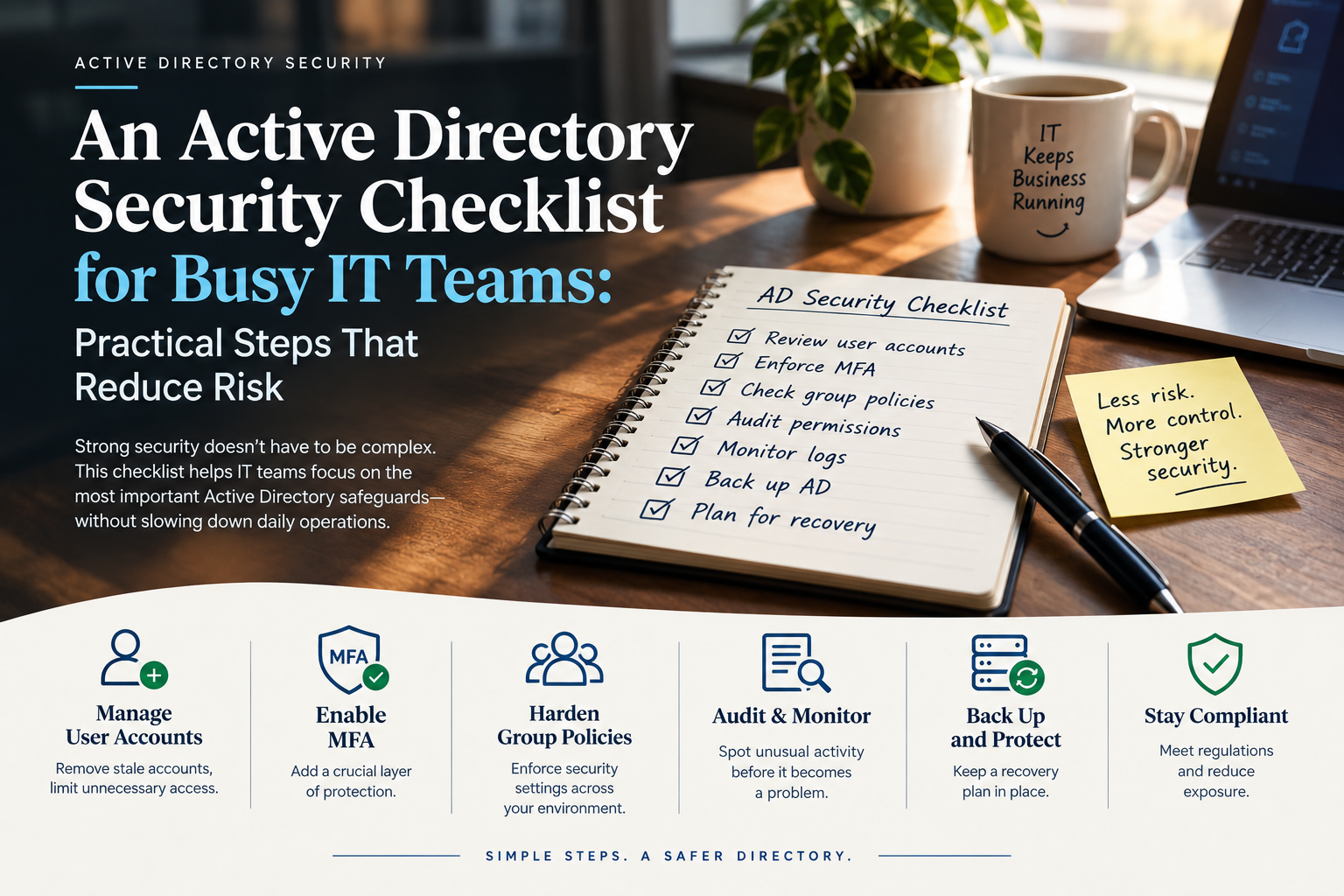
An Active Directory Security Checklist for Busy IT Teams: Practical Steps That Reduce Risk
Few IT teams have a spare month to redesign their directory. Tickets keep arriving, migrations keep slipping, and security work competes with everything else on the board. Yet Active Directory sits underneath nearly every logon in a Windows environment, and a weakness there tends to become everyone’s problem at once. A checklist helps because it turns a vague worry into small tasks that fit between other duties. The guide below follows a sensible order: audit privileged groups, build tiers, set up monitoring, and prepare for recovery. Each section names concrete actions, explains the reasoning, and flags the places where teams usually stumble.
Why a Short Routine Beats a Big Cleanup
Large cleanup projects tend to stall. They need approvals, change windows, and weeks of testing, and by the time they finish the directory has already drifted again. New accounts appear, groups get edited during an outage, and a vendor asks for a delegation that nobody removes afterward.
A routine with small, repeatable steps works differently. Fifteen minutes a week reviewing privileged group changes catches problems while the person responsible still remembers the reason. A quarterly check of service accounts takes an afternoon rather than a project. Over a year, those modest habits accumulate into a directory that stays close to its intended design.
The routine also gives the team something to measure. Count the members of each privileged group, the number of accounts with passwords that never expire, and the age of the oldest unused account. Those numbers will not match another organization’s, and they do not need to. What matters is the direction they move, because a rising count of standing privileged accounts is an early sign that exceptions are outpacing reviews. Write the baseline down on day one so later changes have something to be compared against.
Audit Privileged Groups Before Anything Else
Any list of best practices for active directory security starts from the same question: who holds privilege right now? Begin with the built-in groups that carry the most power, namely Domain Admins, Enterprise Admins, Schema Admins, Administrators, Account Operators, Server Operators, Backup Operators, and Print Operators. Schema Admins and Enterprise Admins should normally sit empty, with membership added only for a specific task and removed immediately afterward.
For each group, record every member and ask whether the person still works in that role. Departures, transfers, and finished projects leave behind accounts that nobody noticed. Then check nested groups, because a group inside Domain Admins pulls all of its members into the tier, and a long chain of nesting hides who really has access.
Look beyond group names to the permissions that act like membership. A team that can reset passwords for administrators, or edit the membership of a privileged group, holds that group’s power indirectly. Review delegations on the organizational units that contain privileged accounts, and remove those that no longer have a business owner.
Finish by examining service accounts. Any account listed in a privileged group that runs a service should be questioned, since it often holds a password set years ago. Replacing these with group managed service accounts, where possible, removes both the old password and the manual rotation burden.
Build Tiers So One Stolen Password Does Not Spread
Most published best practices for active directory security recommend tiering because credential theft spreads through shared logons. When an administrator signs in to a workstation, the credential can remain in memory, and anyone who compromises that machine can collect it. Tiering separates the places where privileged accounts are allowed to sign in, so a stolen credential from one level does not unlock the next.
The classic model has three layers. Tier 0 covers domain controllers, identity infrastructure, and the accounts that manage them. Tier 1 covers servers and applications. Tier 2 covers workstations and user devices. A Tier 0 account should never sign in to a Tier 1 or Tier 2 system, and each administrator should hold a separate account for each level they work in.
Full tiering can take months, so start with the highest-value step: keep Domain Admins off everything except domain controllers and dedicated administrative workstations. Deny-logon rights through Group Policy enforce the rule, and authentication policy silos provide stricter control where they are available. Test on a small group first, since scheduled tasks and old services sometimes depend on a privileged account signing in where it should not. Document each exception with an owner and an expiry date so it cannot quietly become permanent.
Monitoring That Catches the Changes Attackers Make
Logging is only useful if someone reads it, so choose a short list of events that tell a clear story and route them to a place the team already watches. The following signals cover the most common stages of an Active Directory attack:
- Additions to Domain Admins, Enterprise Admins, and Schema Admins (events 4728, 4732, and 4756 depending on group scope).
- Directory replication requests from any host that is not a domain controller, which can indicate credential extraction through DCSync (event 4662).
- Spikes in Kerberos service ticket requests using weak encryption, a common sign of Kerberoasting (event 4769).
- Many failed logons across many accounts from one source, which points to password spraying (events 4625 and 4740).
- Changes to the AdminSDHolder object or to Group Policy linked to the domain controllers organizational unit.
- Logons by privileged accounts on systems outside their assigned tier.
Each alert needs a documented response, even a short one. An alert that fires with no owner trains the team to ignore it. If the volume is overwhelming, begin with the first two items, since both indicate that an intruder is already close to full control.
Also confirm that domain controller logs are forwarded off the machine. An attacker with administrative rights can clear local logs, and a copy stored elsewhere preserves the evidence. Time synchronization across servers keeps the timeline readable during an investigation.
Recovery Plans Need Practice Before They Are Needed
Prevention reduces risk but cannot eliminate it, and a directory that cannot be restored turns a security incident into a business outage. Recovery planning is the item most teams postpone, because it feels less urgent than patching or monitoring. It deserves a fixed place on the checklist for exactly that reason.
Begin with backups. Take system state backups of at least two domain controllers in each domain, store at least one copy offline or in a location that domain credentials cannot reach, and verify that the backups restore. Ransomware operators often search for and delete backup repositories before they encrypt anything, so a backup reachable from a compromised domain admin account is weaker than it appears.
Next, write down the forest recovery procedure. Microsoft publishes a detailed forest recovery guide, and adapting it to the local environment forces the team to answer practical questions in advance. Who holds the Directory Services Restore Mode passwords? Which domain controller is restored first? How are the KRBTGT password and trust relationships handled afterward?
Then rehearse the plan in an isolated lab, even once a year. The first rehearsal almost always reveals a missing password, an outdated diagram, or a step in the wrong order. Discovering those gaps in a lab costs an afternoon, while discovering them during an incident costs far more.
End Note
Securing Active Directory does not require a heroic effort, only a steady order of work. Audit who holds privilege, separate administrative logons so credentials stop traveling, watch the handful of events that signal an attack in progress, and keep a recovery plan that has actually been run. Each step is small enough to fit into a normal week, and together they remove many of the paths attackers depend on. Teams that record a baseline and recheck it on a schedule will see drift early, while it is still a quick fix rather than a project.